Introduction
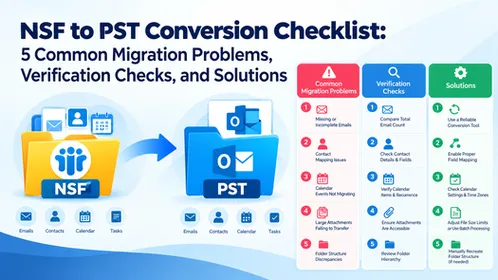
Managing Outlook data can become challenging when emails, contacts, calendars, and other mailbox items need to be transferred to different platforms or saved in alternative formats. Outlook PST files contain valuable information, but accessing this data outside Microsoft Outlook can be difficult. A reliable tool, such as the SysInfo PST Converter Tool, helps simplify this process by converting mailbox data into multiple formats while preserving the original folder hierarchy and essential email properties. It supports users who need to migrate emails to cloud platforms, create local backups, or archive important communications. With features such as batch conversion, selective filtering, attachment management, and multiple export options, it offers a practical approach to efficient Outlook data management.
What Is a PST Converter Tool?
This is the software designed to transform Microsoft Outlook Personal Storage Table (PST) files into different file formats or email platforms. Depending on its capabilities, it can export emails, contacts, calendars, tasks, notes, and other mailbox components.
These tools are useful for individuals, IT administrators, and businesses handling large volumes of email data. Instead of manually transferring messages, users can process individual files or multiple PST files in batches.
Common conversion destinations include MBOX, EML, MSG, PDF, CSV, PNG, JSON, DOCX, VCF, and ICS. Some solutions also support direct migration to Microsoft 365, Google Workspace, and IMAP accounts.
Why Do Users Need PST File Conversion?
There are several situations in which converting Outlook data becomes necessary.
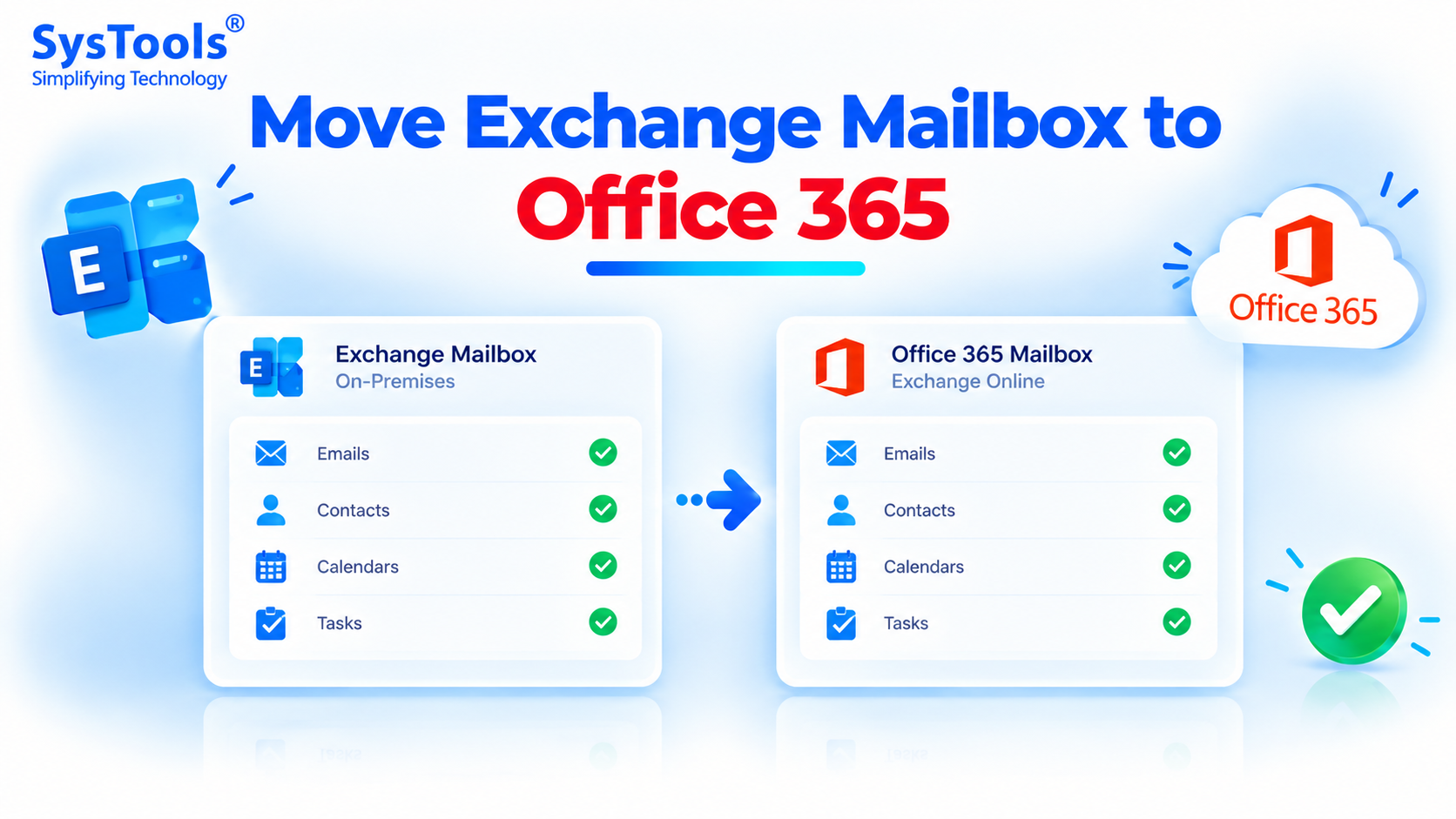
Email platform migration: Organizations moving from traditional Outlook environments to cloud-based email services may need to transfer existing mailbox information without losing important communications.
Access without Outlook: PST files are primarily associated with Microsoft Outlook. Converting them into formats such as EML, PDF, or MBOX provides alternative ways to access and manage stored information.
Backup and archiving: Businesses often preserve emails for future reference, internal documentation, and recordkeeping. Exporting mailbox data into suitable formats supports organized storage.
Legal and compliance requirements: Organizations may need searchable email records, documented communications, and accessible archives for audits or investigations. Maintaining timestamps, metadata, and folder structures can support these requirements.
Data organization: Duplicate emails, unnecessary attachments, and irrelevant messages can increase storage demands. Selective conversion helps users manage mailbox content more efficiently.
Essential Features of a Reliable Outlook PST Converter
Before selecting a conversion solution, users should evaluate several important capabilities.
1. Multiple output formats: The software should support common document, email, and data formats. This flexibility allows users to choose destinations according to their requirements.
2. Batch conversion: Processing multiple PST or OST files simultaneously saves time when managing extensive mail archives.
3. Folder hierarchy preservation: Maintaining the original mailbox structure keeps emails organized in their respective folders and subfolders.
4. Email metadata retention: Sender and recipient addresses, subject lines, timestamps, and other available properties should remain accurate throughout conversion.
5. Selective conversion: Folder selection and date-range filters help users export only the information they need.
6. Duplicate removal: Identifying repeated messages prevents unnecessary data duplication in the resulting files or mailboxes.
7. Attachment management: Options to export attachments separately, merge them with supported outputs, or exclude them provide greater control over storage.
8. Preview and search: Reviewing mailbox content before conversion helps users verify their selections and locate specific messages.
Introducing SysInfo PST Converter Tool
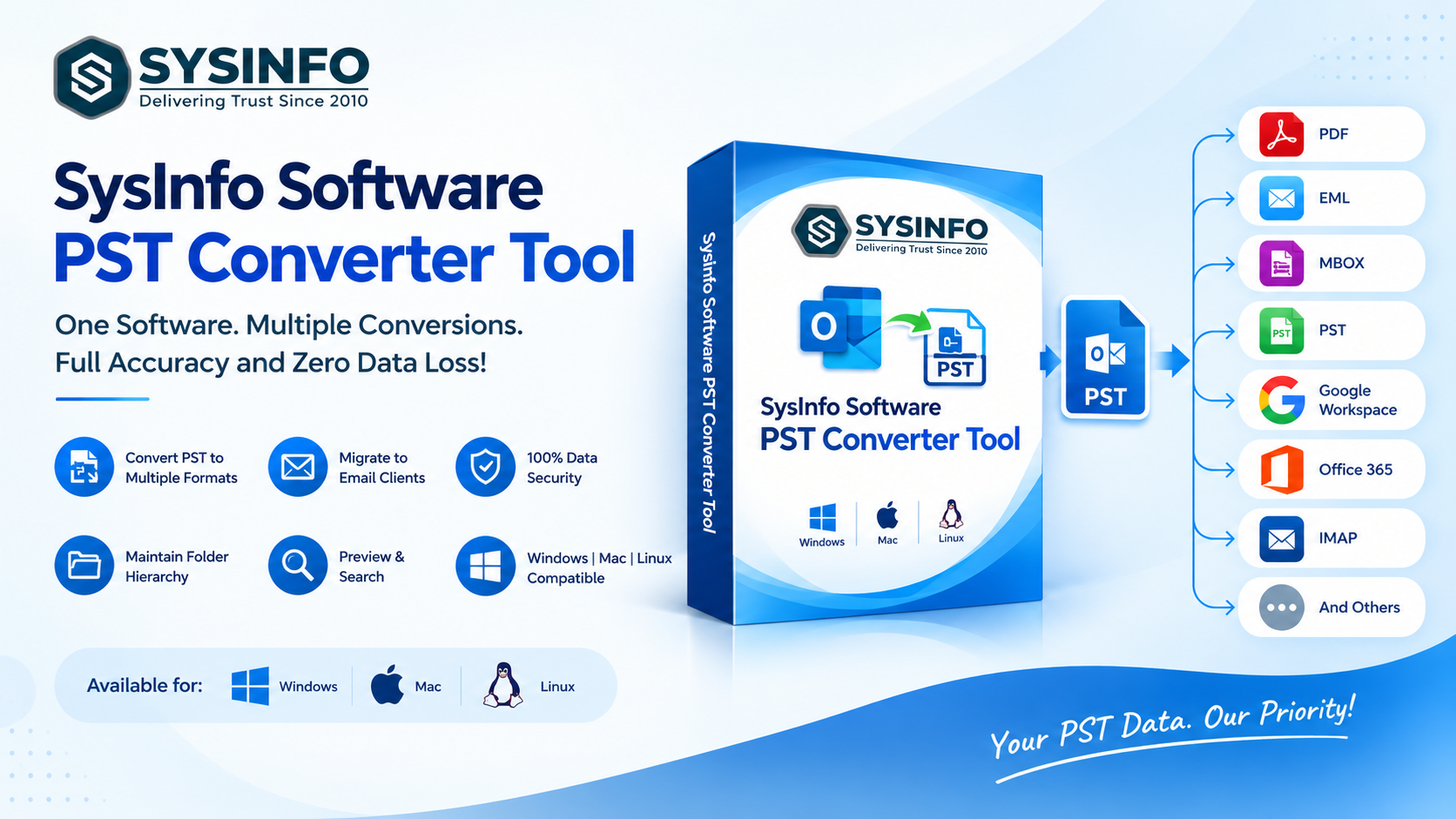
The Tool is designed to convert Outlook PST and OST data into multiple file formats and supported email platforms. It provides options for individuals and organizations that need to migrate, archive, or organize mailbox information.
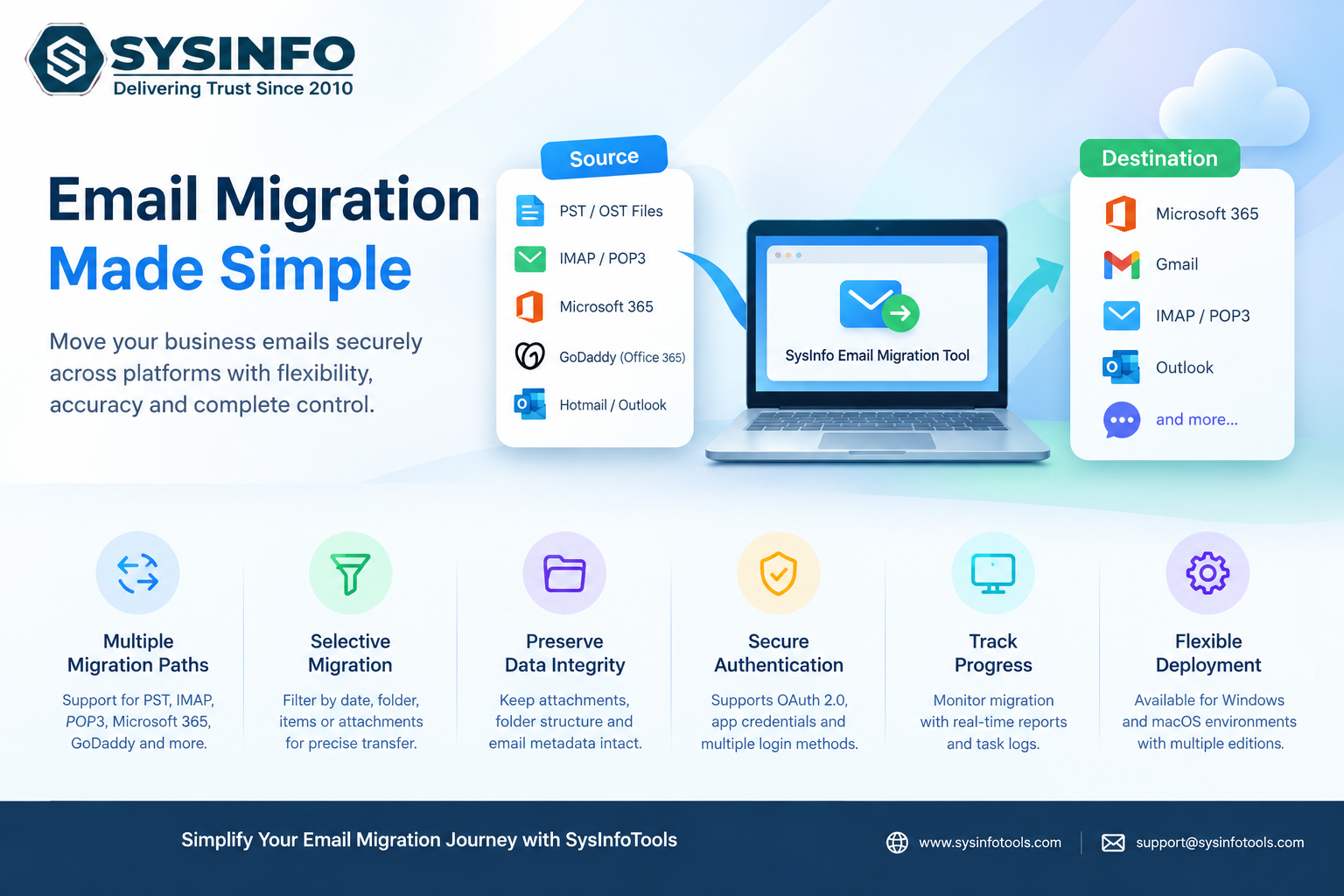
The software supports exports to formats such as MBOX, EML, MSG, PDF, CSV, PNG, JSON, DOCX, VCF, and ICS. It also provides migration options for Office 365, Google Workspace, GoDaddy, and IMAP accounts.
Users can add individual or multiple data files through file selection or drag-and-drop functionality. The batch-processing capability is particularly useful for IT teams managing several mailboxes.
Additional features include date-based filtering, duplicate email removal, attachment management, and folder hierarchy preservation. Preview options help users inspect messages and attachments before exporting selected data.
The software also offers naming conventions for exported files, detailed conversion logs, and options to skip previously migrated data. These capabilities can simplify repetitive conversion tasks and improve file organization.
For large archives, supported output formats include file-splitting options with configurable size limits. Compatibility with multiple Outlook versions and supported operating systems provides flexibility for different environments.
A free demo allows users to evaluate the software and convert up to 50 emails per folder before purchasing a full license. Users should review the applicable edition, system requirements, and preview limitations before starting a large conversion project.
How to Convert Outlook PST Files
The conversion process generally involves four straightforward steps.
Step 1: Install the software. Download and launch a suitable PST conversion application on a compatible system.
Step 2: Add PST files. Browse for individual PST or OST files, or select a folder containing multiple files.
Step 3: Preview mailbox data. Examine the available folders and select the emails, contacts, calendars, or other components required for conversion.
Step 4: Choose the destination. Select the desired output format or supported email platform, configure available filters, and begin exporting.
After completion, verify the resulting files, folder organization, and important email properties.
Conclusion
Selecting the right tool for conversion can simplify email migration, backup, archiving, and mailbox management. Features such as batch processing, metadata preservation, selective filtering, attachment handling, and multiple export destinations are particularly valuable for individuals and enterprise administrators.
The SysInfo PST Converter Tool offers these capabilities alongside preview functionality, duplicate removal, and migration options for supported cloud email platforms. Evaluating its features and free demo before conversion can help users determine whether it meets their specific data management requirements.