A thumbnail should help someone understand what they are about to watch. YouTube’s July 2026 thumbnail announcement gives some creators more control over that first impression, making this a useful time to review how your channel packages its videos.
What changed, and who was included?
On July 24, 2026, YouTube announced custom thumbnail uploads for Shorts by YouTube Partner Program creators, with wider access planned over time. It also announced three suggested Shorts thumbnail frames on desktop and said selecting a frame through the mobile YouTube app remains possible.
The same announcement introduced thumbnail generation in Ask Studio for long-form videos, including conversational adjustments to colors and layouts. These are separate parts of the update: a long-form generation feature should not be confused with Shorts upload eligibility. Check the controls available in your own account before planning a workflow around them. Source: YouTube’s thumbnail announcement.
Write the promise before making the image
Our suggested starting point is one sentence: “After watching this, the viewer will understand ___.” Use that sentence to choose the subject of the thumbnail. A tutorial about removing background noise could show the recording setup; a thumbnail implying that the video reviews ten microphones would promise something else.
Keep a copy of the sentence with the video brief. It gives an editor a concrete test when several attractive designs compete for attention. This is a review method, not a formula for guaranteed reach.
A five-point thumbnail review
- Accuracy: Is the depicted person, object or outcome actually relevant to the video? Avoid inventing a result just because it makes a stronger visual.
- Small-size clarity: Preview the design at the approximate size a viewer will see it. Ask a colleague to describe it without reading the title first.
- One main idea: Remove decorative elements that compete with the subject. If text is necessary, check that it remains readable when the image is reduced.
- Title alignment: Read the title and inspect the image together. They should support the same promise without filling both spaces with identical wording.
- Asset rights: Confirm that you can use the photographs, artwork and fonts. Keep a record of the source or permission alongside the design file.
Review generated thumbnails as carefully as manual ones
If you use a generation tool, compare its output with the actual video. Look for invented interface elements, misleading before-and-after scenes, illegible lettering and objects that did not appear in the recording. A plausible-looking image still needs editorial approval.
Make changes you can learn from
Instead of replacing every thumbnail at once, keep a dated record of a small set of changes. Write down your reason for each change and review the result over a consistent period. If the topic, upload schedule and title also changed, avoid attributing the entire outcome to the thumbnail.
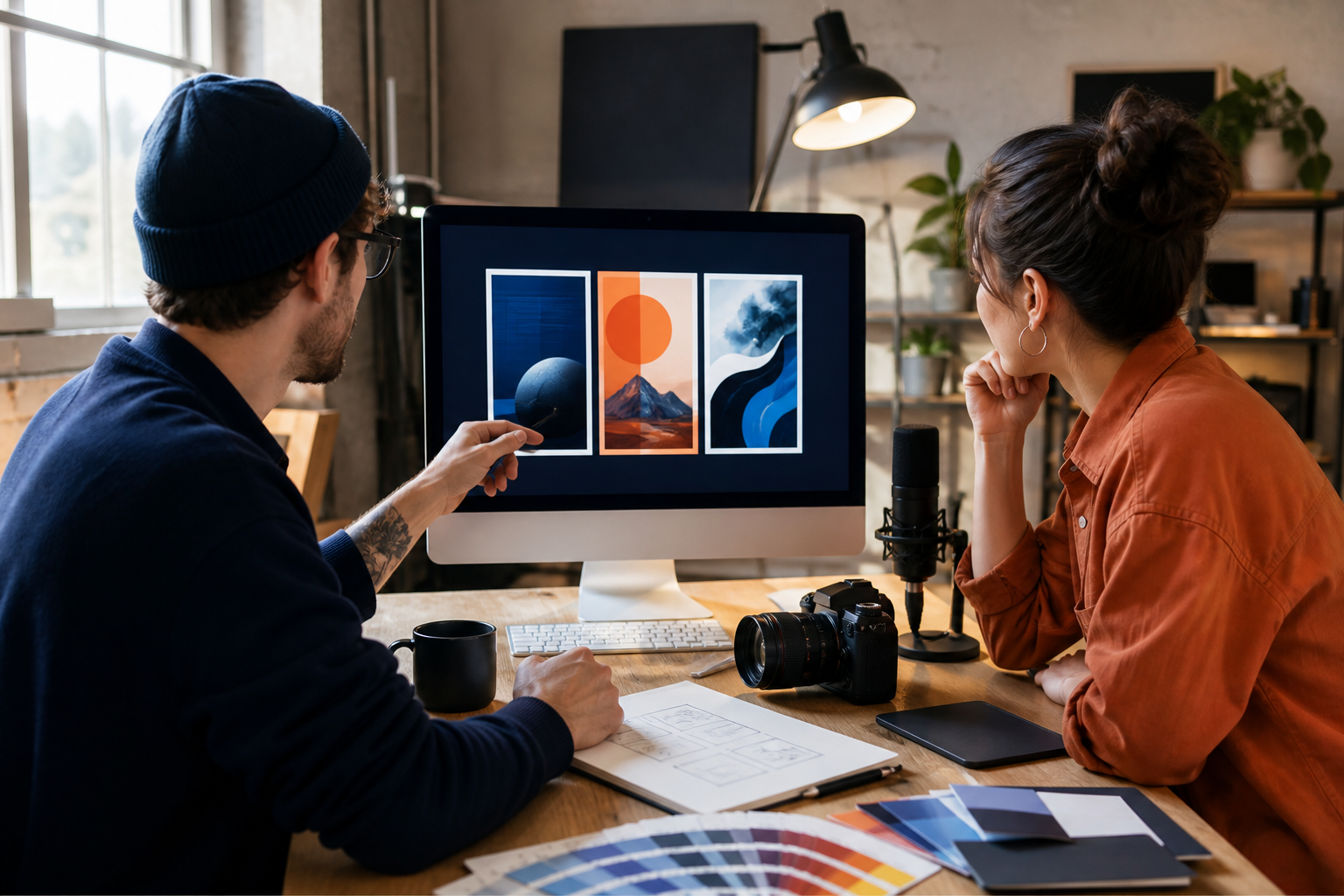
Sources checked August 28, 2026. This is an announcement-based guide, not a hands-on test of account access or thumbnail performance. Cover: AI-generated editorial illustration, not a screenshot of YouTube Studio.