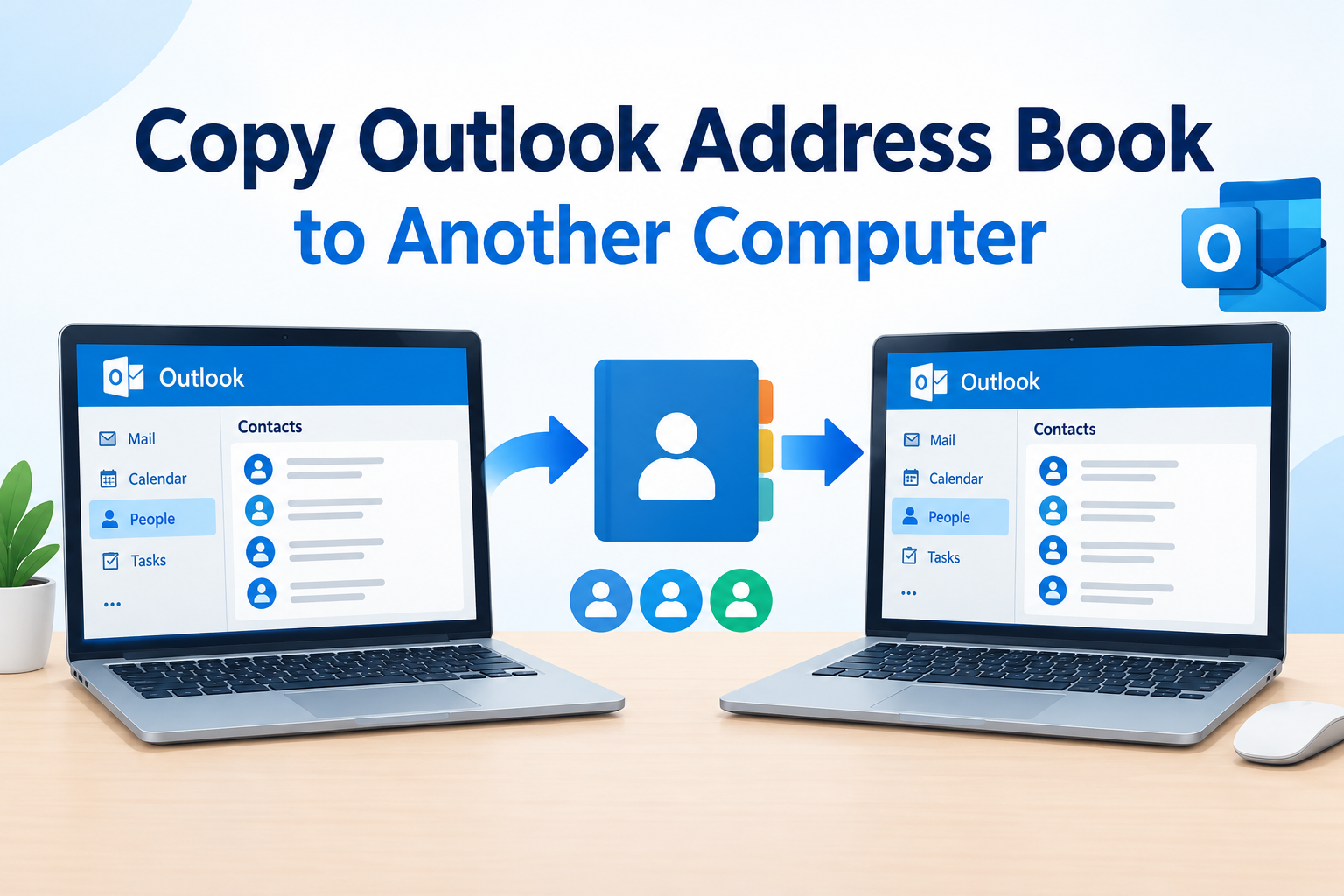
Managing Outlook data across different operating systems can become challenging, especially when organizations migrate from Mac to Windows or switch to different email platforms. Mac Outlook stores mailbox data in OLM files, whereas Windows Outlook uses PST files. This difference creates compatibility issues when transferring emails and other mailbox information. A reliable tool helps users overcome these challenges by converting mailbox data into accessible formats. The SysInfo Mac OLM Converter provides a dedicated solution for IT administrators, business professionals, and email users who need to migrate, export, or back up Mac Outlook data without compromising its integrity.
Why Do Users Need Mac OLM File Conversion?
OLM files contain essential mailbox information, including emails, contacts, calendars, tasks, and notes. However, accessing this information outside Mac Outlook can be difficult because several email applications do not support the OLM format directly.
IT administrators and enterprise users frequently encounter situations where they need to transfer mailbox information between operating systems or email platforms. For example, organizations migrating employees from Mac systems to Windows computers may need to convert OLM files into PST format. Similarly, users switching to Gmail or Thunderbird require their existing mailbox data in compatible formats.
Using an appropriate OLM to PST Converter or email migration utility makes these transitions easier while preserving important mailbox information.
Common Situations Where OLM Conversion Becomes Necessary
Several professional and personal requirements can make OLM conversion essential.
1. Migrating from Mac Outlook to Windows Outlook
Mac Outlook uses OLM files, while Windows Outlook primarily supports PST files for mailbox storage. Therefore, users moving to Windows need to convert their existing OLM data into PST format to access their previous emails and other mailbox items.
2. Switching to Gmail or Other Email Platforms
Businesses and individuals frequently change their preferred email services. Migrating from Mac Outlook to Gmail, Yahoo, Office 365, or Thunderbird requires transferring mailbox information into a supported destination.
3. Creating Local Email Backups
Maintaining local backups helps users protect important business communications and personal information. Converting OLM files into PDF, MBOX, EML, or other formats allows users to access and store mailbox data independently of Mac Outlook.
4. Managing Large Mailboxes
Enterprise mailboxes often contain thousands of emails and attachments. Selective conversion, duplicate removal, and date-based filtering help administrators organize mailbox information more efficiently.
Important Features to Consider in an OLM Migration Tool
Before selecting an email migration solution, users should evaluate several essential capabilities.
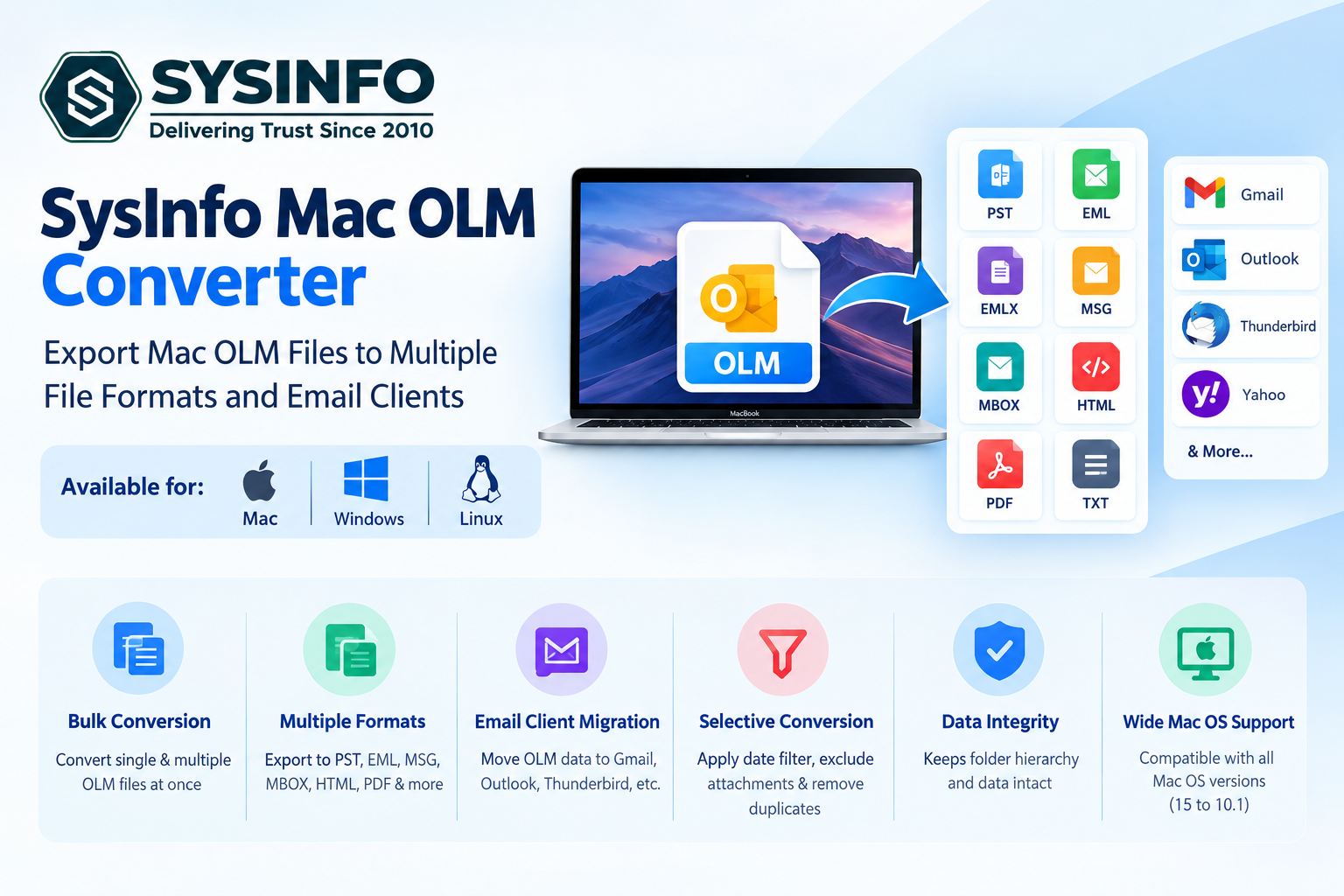
Batch Conversion: The software should support multiple OLM files simultaneously to reduce manual effort and processing time.
Multiple Export Formats: Options such as PST, PDF, EML, EMLX, MSG, MBOX, HTML, MHT, and TXT provide greater flexibility.
Folder Hierarchy Preservation: Maintaining the original mailbox structure makes it easier to locate emails and related information after migration.
Selective Conversion: Users should be able to select individual folders or specific mailbox items instead of exporting everything.
Date Filtering: Date-range filters help users migrate emails received or sent during a particular period.
Duplicate Removal: Removing duplicate emails using attributes such as To, From, Bcc, Subject, and Body helps maintain organized output.
Attachment Filtering: An option to exclude attachments can reduce the size of exported mailbox data.
Compatibility: The utility should support different macOS versions and provide a straightforward interface.
These features are particularly valuable for IT administrators handling multiple mailbox migration requirements.
SysInfo Mac OLM Converter for Professional Email Migration
This tool is designed to help users export Mac Outlook mailbox data into multiple file formats and email clients. It supports single-file and batch conversion, making it useful for individuals as well as organizations managing multiple mailboxes.
The software allows users to convert OLM files into PST, EML, EMLX, MSG, MHT, MBOX, HTML, PDF, TXT, DOC, DOCX, DOCM, CSV, VCF, JPG, PNG, JIFF, and TIFF formats.
Another useful capability is its direct migration support for platforms such as Gmail, Office 365, G Suite, Thunderbird, Yahoo, AOL, Zoho Mail, Yandex Mail, iCloud, Hotmail, and IMAP.
Its additional features include:
Batch OLM Conversion: Users can add individual OLM files or entire folders containing multiple files for processing.
PST File Splitting: The software provides an option to divide resultant PST files into smaller sizes.
Contact Export: Users can extract contacts and save them in formats such as CSV or transfer them to supported email platforms.
Selective Data Migration: Specific mailbox folders and date ranges can be selected through the preview panel.
Duplicate Email Removal: Users can identify duplicate messages using selected email header fields.
Attachment Exclusion: Users can exclude attachments during conversion when smaller output files are required.
The utility also supports OLM files created using Mac Outlook 2011, 2016, and 2019. Its compatibility extends across macOS versions, including macOS 15. The software offers Single, Admin, Technician, and Enterprise editions to accommodate different usage requirements.
How to Convert OLM Files on Mac
The conversion process involves a few straightforward steps:
Install and Launch: Download, install, and open the Mac OLM Converter on your system.
Add OLM Files: Browse and select individual OLM files or a folder containing multiple OLM files.
Preview Mailbox Data: Examine the available emails, contacts, calendars, tasks, and notes. Select the required folders.
Choose Export Format: Select PST or another supported file format or email client.
Apply Filters: Use available options such as date filtering, duplicate removal, and attachment exclusion.
Start Conversion: Specify the destination location and initiate the export process.
The free version allows users to convert up to 50 emails per folder, while the full version provides unrestricted conversion.
Conclusion
Migrating Mac Outlook mailbox data requires a solution that supports multiple formats, preserves folder structures, and provides flexible export options. Whether the requirement involves switching to Windows Outlook, migrating to Gmail, or creating local backups, choosing the right tool can simplify the process. The SysInfo Mac OLM Converter offers batch processing, selective migration, duplicate removal, attachment filtering, and multiple export destinations, making it a practical option for IT administrators, enterprise users, and professionals managing Mac Outlook data.