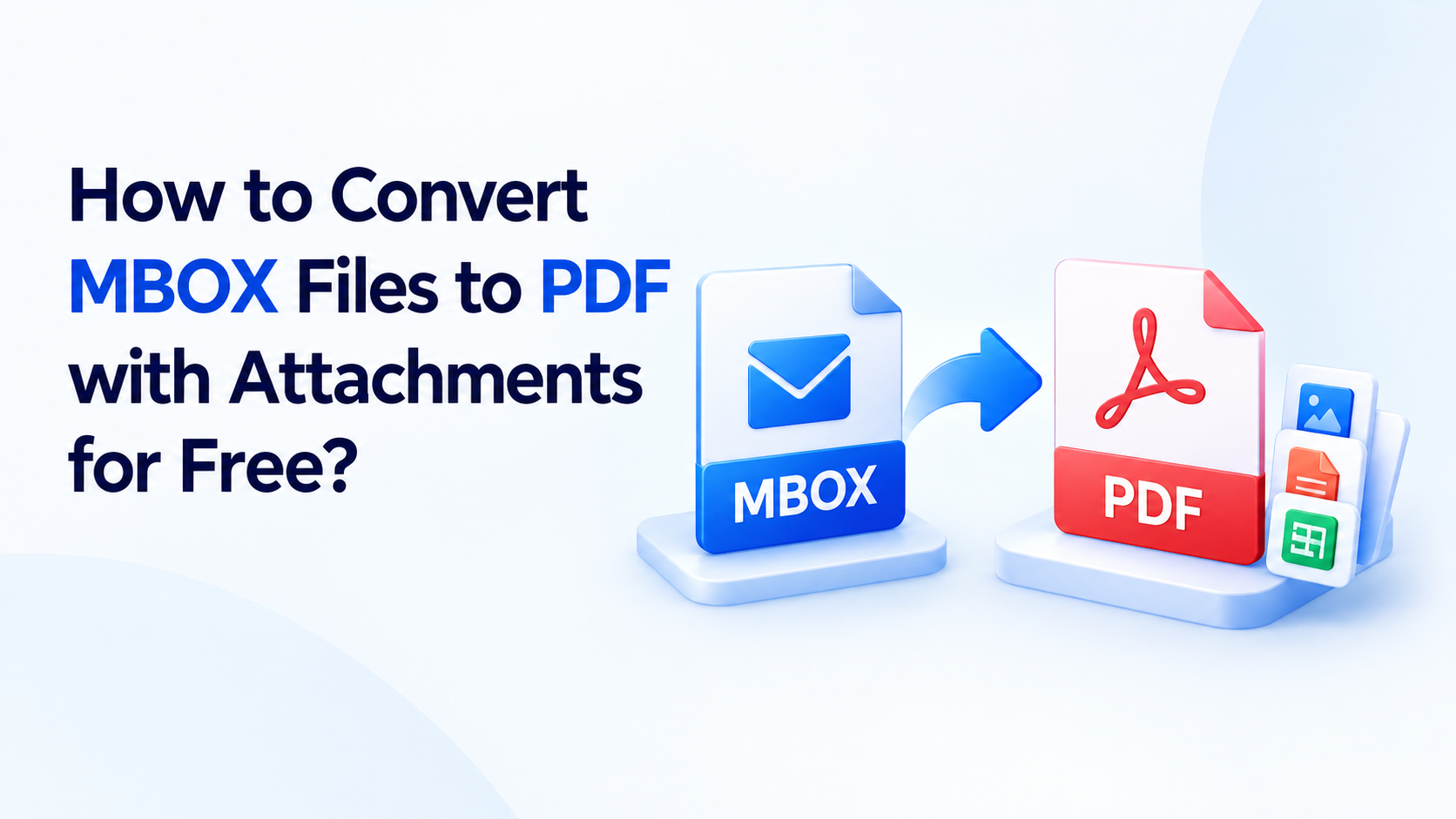
Thunderbird, Apple Mail, and SeaMonkey save your emails in MBOX format, which is fine until you need to share, print, or archive those messages. MBOX files can't be opened in a PDF reader, and most people can't read them without an email client. If you want to convert MBOX to PDF, you need a method that keeps your email content and attachments intact.
This guide covers both a manual approach and a professional tool, so you can pick the option that fits your data. You'll also learn how to convert MBOX files with attachments without losing formatting.
Why Convert MBOX to PDF?
PDF is one of the most widely supported formats, and it looks the same on every device. Common reasons to switch include:
Legal and compliance records. PDFs are easy to store, search, and present as evidence.
Easy sharing. Anyone can open a PDF without installing an email client.
Long-term archiving. Emails stay readable even if you stop using Thunderbird or Apple Mail.
Printing. PDFs keep their layout when printed.
Protection. You can add passwords and restrict editing.
Method 1: Free Manual Method Using Thunderbird
If you only have a few emails, you can do this for free with Thunderbird.
Open Thunderbird and select the email you want to save.
Click File and choose Print.
In the print dialog, select Save as PDF (or "Microsoft Print to PDF") as the printer.
Click Save, choose a location, and name the file.
Repeat for each email.
Limitations of the manual method:
It converts one email at a time, which is impractical for hundreds or thousands of messages.
Attachments are not saved inside the PDF. You have to download them separately.
Folder structure is lost, and formatting can shift.
It requires Thunderbird to be installed and working. If your inbox has problems, you may first need to fix Thunderbird email issues and migrate your mailbox.
Method 2: Use an MBOX to PDF Converter Tool
For bulk conversion, a dedicated MBOX to PDF converter is faster and safer. The DRS Softech MBOX to PDF Converter is built for this job. This MBOX email to PDF converter tool lets you convert single or multiple MBOX files in a few clicks while preserving the email structure and attachments.
Key Features
Batch conversion. Convert many MBOX files at once instead of one email at a time.
Attachments handled. Save attachments along with the emails, or exclude them if you don't need them.
Preview before converting. Check email content, attachments, and folders before you start.
Selective conversion. Choose specific emails or folders instead of the whole file.
Date range filter. Convert only emails from a chosen period.
Remove duplicates. Skip repeated emails based on To, From, Subject, and Body.
Folder structure preserved. Folders and subfolders stay organized after conversion.
Multiple formats. Besides PDF, you can save MBOX as PST, EML, MSG, and more.
Windows and Mac support. Works with MBOX files from Thunderbird, Apple Mail, SeaMonkey, and Google Takeout.
Steps to Convert MBOX to PDF with Attachments
Download and install the MBOX converter, then click Continue.
Click "Select Profiles/Files" or "Select Folder" to add your MBOX files, then click Next.
Preview the emails and select the ones you want to convert.
Choose PDF as the saving format.
Apply filters such as date range or duplicate removal, and choose whether to include attachments.
Click Convert and pick the destination folder.
Free MBOX to PDF Conversion with the Demo Version
You can try free MBOX to PDF conversion with the demo version, which converts the first 50 email items. That is enough to check the output quality before you buy. The full version removes the limit and converts complete mailboxes.
Feature Manual Method Professional Tool Bulk conversion No Yes Attachments included No Yes Folder structure kept No Yes Date range and duplicate filters No Yes Speed Slow Fast
Moving Your Emails to Another Platform
PDF is great for archiving, but if you want to keep using your emails in a mail account, you can migrate them instead. For example, you can follow this guide to convert MBOX to Yahoo Mail and access your messages from any device.
Final Thoughts
For a handful of emails, the manual Thunderbird method works. But if you have many emails, need attachments, or want to keep your folders organized, a dedicated tool saves time and avoids errors. The DRS Softech MBOX to PDF Converter handles large mailboxes, offers a free demo, and lets you convert MBOX to PDF without losing data.
Ready to get started? Download the free demo of the DRS Softech MBOX to PDF Converter and convert your first 50 emails today.