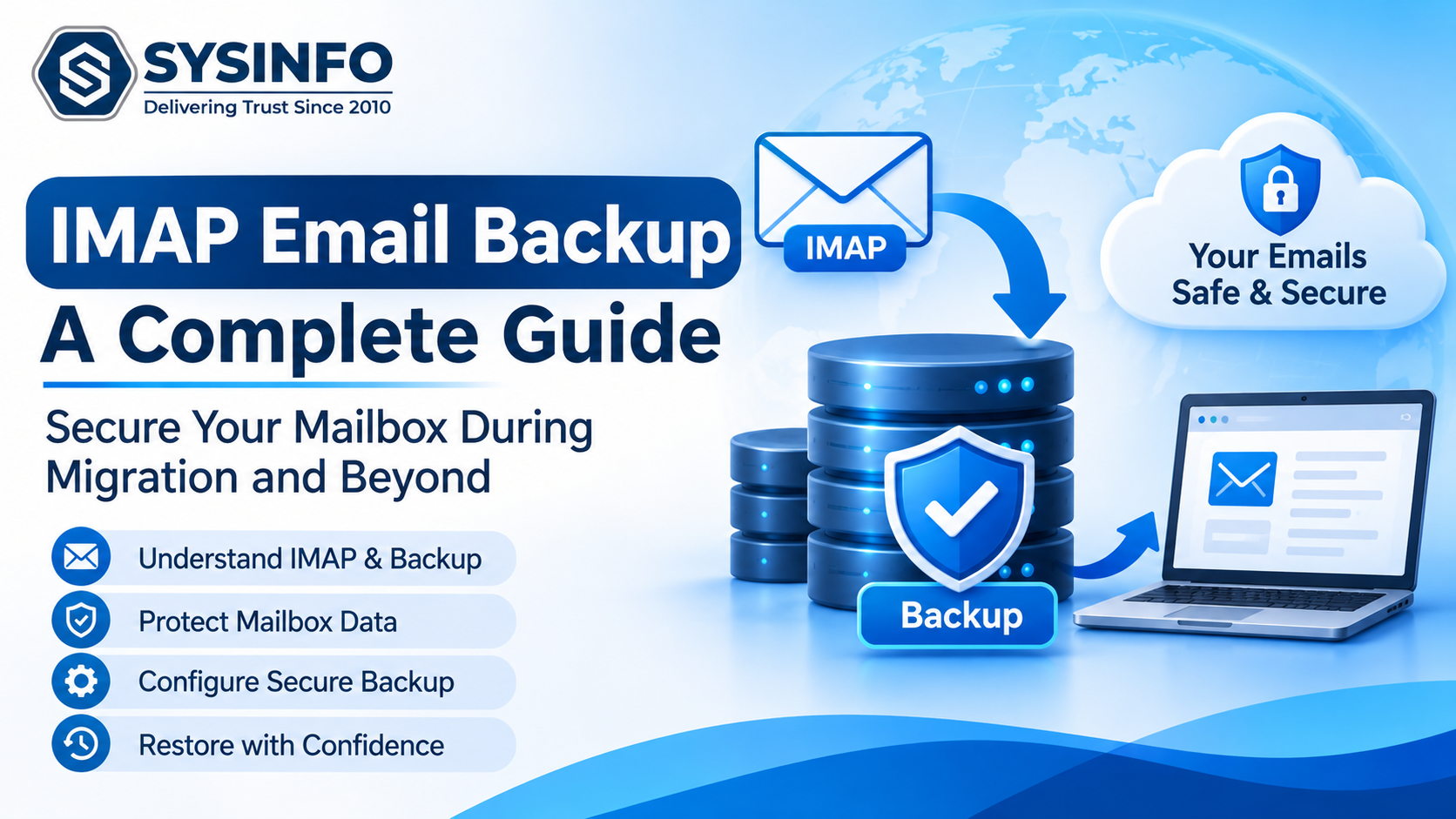
Email infrastructure has become a critical part of daily business operations. Organizations use email systems to exchange customer records, financial documents, contracts, technical discussions, project updates, and confidential business information. As these communication records continue to grow, maintaining their availability and integrity becomes an important responsibility for IT administrators.
Many organizations depend on IMAP-based email services because the protocol allows users to access synchronized mailboxes from multiple devices. However, synchronization should not be confused with an independent backup. If an email is deleted from a synchronized mailbox, the change may also appear across connected devices. This creates a potential risk when organizations depend entirely on their email provider for long-term data retention.
A structured IMAP backup strategy helps address this problem by maintaining separate copies of mailbox information, reducing dependency on a single email environment, and supporting recovery during infrastructure changes. For distributed IT environments, the process requires more than simply downloading messages. Authentication, folder hierarchy, attachment handling, metadata preservation, backup validation, and storage planning must all be considered.
1. Understanding the Difference Between IMAP Synchronization and Backup
Internet Message Access Protocol (IMAP) allows an email client to communicate with a remote mail server. Instead of downloading messages exclusively to one computer, IMAP maintains synchronization between the server and connected email applications.
When a user reads, moves, flags, or deletes a message, the corresponding change can synchronize with the server and other connected devices. This approach provides convenient access to a consistent mailbox but does not automatically create an independent recovery copy.
Consider an organization with 150 employees using a hosted IMAP service. Every employee accesses business email through desktop applications, mobile devices, and webmail. If a mailbox is compromised or an administrator accidentally removes important folders, synchronized devices may reflect those changes.
A separate backup provides another copy that can be stored independently of the active mailbox.
An effective strategy should distinguish between three operations:
Synchronization: Keeps messages and folders consistent across connected devices.
Archiving: Retains selected email records for historical reference or regulatory requirements.
Backup: Creates an independent copy that can be used for restoration, migration, or investigation.
These operations serve different purposes. Organizations should not treat mailbox synchronization as a replacement for a properly maintained backup system.
2. Identify the Components That Require Protection
Before configuring an IMAP backup process, administrators should determine which mailbox components must be preserved.
A typical IMAP mailbox contains more than Inbox messages. Depending on the provider and account configuration, it may include:
Inbox and Sent Items
Drafts and archived messages
Deleted Items and Trash
Custom-created folders
Message attachments
Email headers and timestamps
Sender and recipient information
CC and BCC details
Read and unread status
Standard message flags
Folder hierarchy deserves particular attention. A business user may maintain several years of correspondence under folders organized by clients, departments, projects, or financial periods.
If a backup process exports messages without preserving their original folder relationships, the resulting archive may become difficult to navigate.
Administrators should therefore verify that the selected backup method can retrieve the complete folder tree and maintain the relationship between parent folders and subfolders.
It is also important to understand protocol limitations. Standard IMAP primarily handles email messages and mailbox folders. Contacts, calendars, tasks, signatures, mailbox rules, forwarding configurations, aliases, and permissions generally require separate backup or migration methods.
3. Configure Secure Authentication Before Starting a Backup
Authentication is one of the most important technical stages of an IMAP backup operation.
To establish a connection, the backup application generally requires the following information:
Email address or username
Account password or supported authentication method
IMAP server hostname
Server port
Encryption configuration
The server hostname depends on the email provider or hosting environment. Administrators should obtain the correct connection details from the provider rather than assuming that every service uses an identical configuration.
Two commonly used secure connection configurations are:
IMAP over SSL/TLS: Port 993 is commonly used for encrypted IMAP connections. The connection is encrypted from the beginning of the session.
IMAP with STARTTLS: Port 143 is commonly used when the connection begins without implicit TLS and is upgraded through the STARTTLS command.
The correct configuration depends on the server's supported settings.
Organizations should also consider modern authentication requirements. Some providers restrict traditional username-and-password access, particularly when multi-factor authentication is enabled. In such environments, administrators may need OAuth-based authentication, application-specific passwords, or provider-approved administrative authorization.
For large deployments, authentication should be tested with a small number of accounts before processing the complete mailbox inventory.
This helps identify incorrect credentials, blocked ports, authentication restrictions, and server connection limits before they interrupt a larger backup operation.
4. Plan Mailbox Backup Around Business Requirements
Backing up every mailbox using the same settings may not be the most efficient approach.
Different departments maintain different types of communication records. For example, finance teams may need historical invoices and payment confirmations, while customer support departments may require conversations associated with specific customers or service periods.
A department-based backup plan can make data handling more manageable.
Administrators should consider the following factors:
Mailbox volume: Estimate the total number of messages, attachments, and storage requirements for each account.
Retention period: Determine how far back the backup must extend according to internal policies and applicable legal obligations.
Backup frequency: Establish how frequently new messages should be included in the backup.
Priority accounts: Identify executive, finance, legal, and customer-facing mailboxes that require additional attention.
Storage location: Select storage with sufficient capacity, appropriate access controls, and a documented recovery procedure.
For distributed organizations, maintaining a central account inventory is useful. It can include mailbox ownership, server information, backup status, last successful run, and retention classification.
This inventory provides administrators with a clearer view of backup coverage and helps prevent accounts from being overlooked.
5. Preserve Data Integrity During Email Export
A successful backup is not determined only by the number of downloaded messages. The exported information must also remain usable and sufficiently consistent with the original mailbox.
Several technical elements deserve attention.
Message Headers
Email headers contain routing and identification information, including sender, recipient, subject, date, and technical delivery details. These fields can be important when investigating communication history or verifying message origins.
Timestamps
Message dates help establish the chronological order of business communication. Administrators should verify that exported records retain their original timestamp information.
Attachments
Attachments frequently contain contracts, invoices, reports, spreadsheets, and other important business files. A backup process should account for attachment preservation and verify that exported files remain accessible.
Folder Relationships
Messages should remain associated with their appropriate folders. This is particularly important when an organization maintains separate folders for projects, clients, departments, or years.
Message Status
Read/unread status and standard flags can provide useful context when reviewing historical mailbox records.
Not every export format preserves every provider-specific property. For example, Gmail labels and Outlook categories may not map directly to standard IMAP folders or flags. Administrators should identify such differences before beginning a migration or archival project.
6. Use Incremental Backups to Reduce Repeated Processing
Large mailboxes can contain hundreds of thousands of messages and several gigabytes of attachments. Reprocessing the entire mailbox during every backup cycle can consume unnecessary time, bandwidth, and storage.
Incremental backup methods address this problem by identifying previously processed messages and concentrating on newly added or otherwise eligible items.
A practical backup schedule might include:
Perform an initial full mailbox backup.
Record the completion status and processed item counts.
Schedule subsequent backup operations.
Identify previously exported messages.
Process new messages without repeatedly exporting existing records.
Review the operation report and investigate failed items.
This approach is especially useful during staged migrations. An organization can perform an initial transfer before the cutover date and then run another synchronization pass to capture messages received during the transition period.
However, incremental processing should not be assumed to be a complete version-history system. If an existing message is modified, deleted, or changed on the source server, the backup process must be evaluated to determine how those changes are handled.
Organizations requiring historical recovery should retain appropriate backup generations rather than relying exclusively on the latest incremental copy.
7. Apply Selective Filters for Efficient Backup Operations
Not every backup project requires exporting every message.
Advanced filtering can reduce processing requirements and make the resulting archive easier to manage. Depending on the available backup functionality, administrators may select messages using criteria such as:
Date range
Sender or recipient
Subject
CC and BCC addresses
Message body content
Message category or item type
For example, a legal department may need correspondence exchanged during a particular contract period. A finance team may want to preserve messages associated with a specific reporting cycle.
Filtering can also support investigations by narrowing the dataset to relevant communication records.
However, selective backups should be used carefully. A narrow filter may exclude messages that later become important. Before applying filters, administrators should document the selection criteria and retain an unfiltered backup when comprehensive mailbox preservation is required.
8. Select an Output Format Based on the Intended Use
The destination format influences how an organization accesses, searches, shares, and restores archived messages.
Common email export formats serve different purposes.
FormatTypical usePSTOutlook-based email archivesMBOXThunderbird and compatible mail applicationsEMLIndividual email storageMSGOutlook message-level accessPDFReadable records and document sharingCSVStructured message information and reportingJSONStructured data processing and integrationDOC/DOCXDocument-based review and reporting
PST and MBOX are useful when the objective is to maintain mailbox collections in formats supported by compatible email clients.
EML and MSG are more suitable when individual messages need to be accessed separately.
PDF can be helpful for document review, although administrators should verify whether the selected export method includes attachments and relevant message information.
CSV and JSON can support reporting, indexing, and downstream data processing. They should not automatically be considered full replacements for native email archives.
The correct choice depends on the recovery objective, software compatibility, retention requirements, and intended users.
9. Manage Large Mailboxes and Multiple Accounts
Enterprise backup projects introduce challenges that are less common in individual mailbox operations.
An IT department may need to protect hundreds of accounts while working within server connection limits, storage restrictions, and limited maintenance windows.
Batch processing can reduce repetitive manual work. Administrators can prepare an account inventory containing the required connection details and organize accounts into manageable processing groups.
For example, a CSV-based workflow can contain fields such as:
Email Address
Password or supported authentication reference
IMAP Host
Port Number
Credentials must be handled through secure administrative procedures. Plain-text credential files should not be stored in shared folders or retained longer than necessary.
Another important consideration is connection throttling. Starting too many simultaneous connections can result in authentication failures, rate limits, or server-side restrictions.
Rather than processing every account at maximum concurrency, administrators should conduct a pilot run, measure resource consumption, and gradually increase the workload.
Large PST and MBOX exports may also require file splitting. Segmenting oversized archives can simplify storage, transfer, and handling across different systems.
10. Validate Backups Through Logs and Recovery Testing
Backup completion messages alone are not sufficient evidence that every mailbox has been protected successfully.
A reliable validation process should examine:
Total messages identified
Successfully exported messages
Skipped items
Failed items
Folder-level processing results
Attachment availability
Output file size
Backup completion time
Administrators should compare source and destination item counts while accounting for filters, duplicates, excluded folders, and provider-specific differences.
A sample of exported messages should also be opened and examined. This verifies that message bodies, attachments, headers, and timestamps remain accessible.
Most importantly, organizations should periodically perform restoration tests. A backup that has never been tested may contain missing messages, corrupted files, incomplete exports, or inaccessible storage locations.
A practical testing schedule can include monthly sample restores and more comprehensive recovery exercises at defined intervals.
The results should be documented so that IT teams can identify problems and improve their procedures.
11. Automating IMAP Backup for Operational Efficiency
For organizations managing multiple email accounts, a dedicated backup application can simplify account connections, folder selection, filtering, and export operations.
The SysInfo IMAP Backup Tool(https://www.sysinfotools.com/imap-email-backup.php) supports single-account and batch processing, CSV-based account handling, multiple output formats, folder mapping, date-based filtering, duplicate removal, and incremental processing. It also provides activity information and reports that help administrators review completed and unsuccessful operations.
Its local processing approach allows mailbox data to be handled on the organization's computer rather than requiring the entire backup dataset to be uploaded to an external cloud storage service. An internet connection is still required for communication with remote IMAP servers and destination services.
Administrators should review the supported authentication methods, operating system requirements, destination formats, and account limits before deploying any backup application across a production environment.
A pilot involving a few representative mailboxes is a sensible way to evaluate performance and confirm that the resulting archives meet organizational requirements.
Conclusion
A reliable IMAP email backup strategy requires careful planning, secure authentication, structured mailbox handling, and regular validation. Organizations must consider more than message downloads because folder relationships, attachments, timestamps, message headers, and backup completeness all influence the usefulness of archived email data.
For distributed IT environments, incremental processing and batch account management can reduce repetitive work, while selective filters and appropriate output formats help align backup operations with business requirements.
Most importantly, backup success should be measured through verification and recovery testing rather than assuming that a completed export guarantees recoverability. By establishing documented procedures and reviewing backup results regularly, IT teams can maintain better control over business email records and reduce the operational impact of accidental deletion, service changes, and infrastructure transitions.