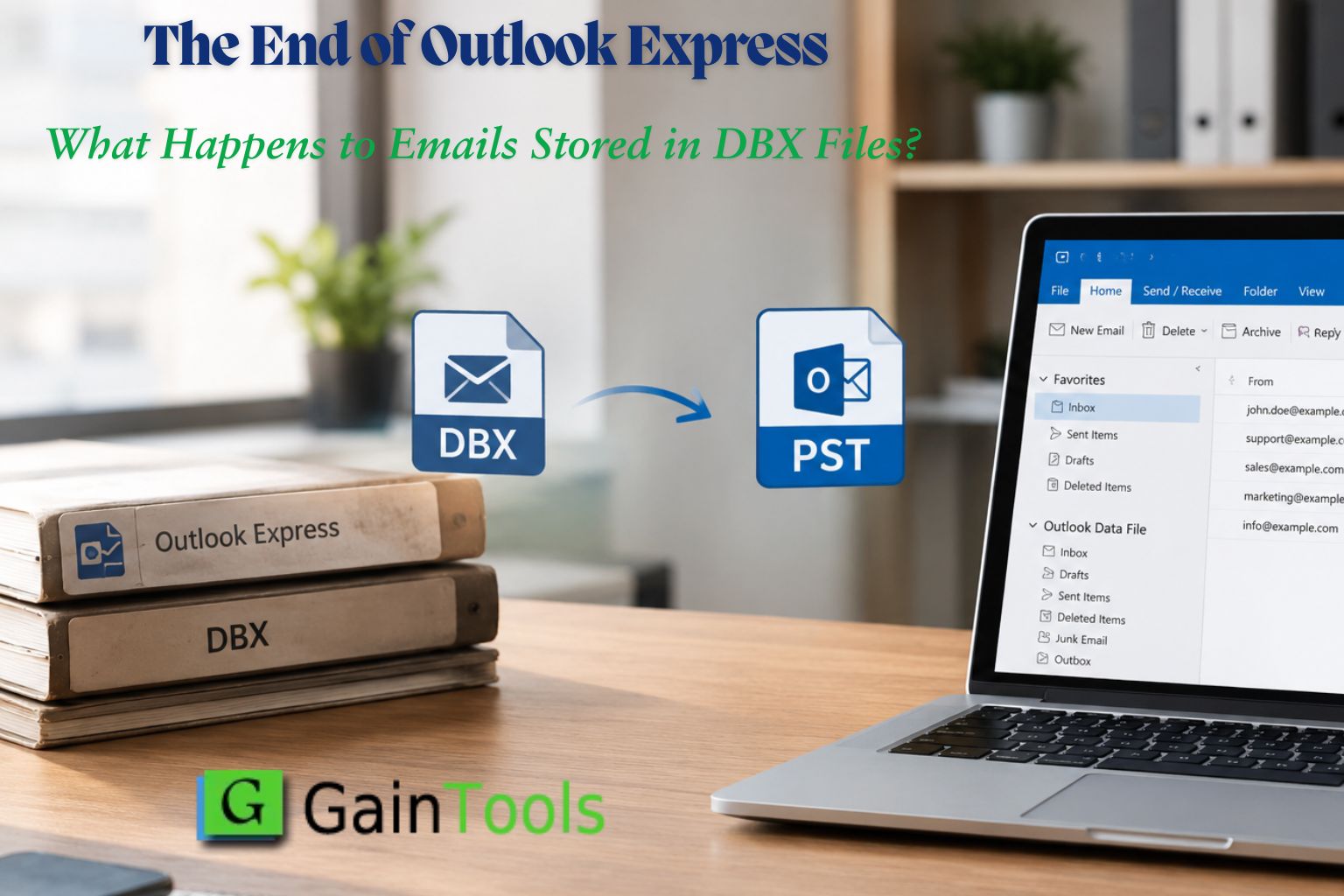
The retirement of Outlook Express has left many users with old email archives that remain important but are no longer easy to access through their original application. GainTools DBX to PST Converter provides a dedicated option for converting these legacy email files into Outlook PST format, helping users prepare their stored correspondence for use in a different email environment.
Outlook Express was widely used for managing personal and business email on older Windows computers. Its messages were stored in DBX files, often organized around individual mail folders. Years later, these files may still contain customer conversations, invoices, attachments, personal correspondence and other information that users need to retrieve.
The challenge is not necessarily that the emails have disappeared. Rather, users may no longer have a convenient way to open the archives on their current computers. As older systems are replaced and email habits change, finding a practical method to access these files becomes an important part of preserving historical communication.
GainTools DBX to PST Converter is designed to address this specific requirement by converting Outlook Express DBX files into PST format for use with compatible versions of Microsoft Outlook.
How the DBX to PST Converter Helps
The software offers a special conversion workflow for users who want to eliminate Outlook Express. According to the official page of the product, the application supports DBX files of Outlook Express versions and enables users to choose files they want to migrate.
Key product features include:
DBX to PST conversion: Converts Outlook Express email archives into PST format for access through compatible Microsoft Outlook versions.
Selective file migration: Allows users to process the DBX files they choose instead of requiring every available archive to be selected.
Support for different archive sizes: The product page states that it can handle DBX files of different sizes.
Local output destination: Users can specify where the resulting PST data should be saved.
Windows compatibility: The listed operating systems include Windows 11, 10, 8.1, 8 and 7, with 32 bit and 64 bit support.
Trial availability: A free trial is available to help users evaluate the conversion process before purchasing a licence.
These capabilities are relevant to users who have retained older email backups and want to make their contents accessible without depending on the original Outlook Express application.
Who Can Benefit from DBX Email Migration?
Individual home users are not the only ones who need older email archives. Small businesses can have DBX backups of old customer conversations, transaction information or project files. IT pros may run into these files when replacing old computers or assisting organizations in recovering data from legacy systems.
People may also have personal archives of messages from family, old colleagues or long standing contacts. In that case, the best way to continue using that data may be to convert the files to a more familiar email format.
It is advised that users make a backup of their original DBX files prior to conversion and review the PST data after migration. The state of the source archive can influence the result, so as a precaution, check important messages and attachments.
Availability and Product Information
GainTools DBX to PST Converter is available through the company's official website. The listed product version is 1.0 and the page provides access to a free trial, licence information and product guidance.
More details are available at the official product page: https://www.gaintools.com/dbx/pst/
About GainTools
GainTools provides software for email conversion and data migration across different file formats and email platforms. Its product range includes tools designed to help users transfer and access email data when changing applications or working with older email archives