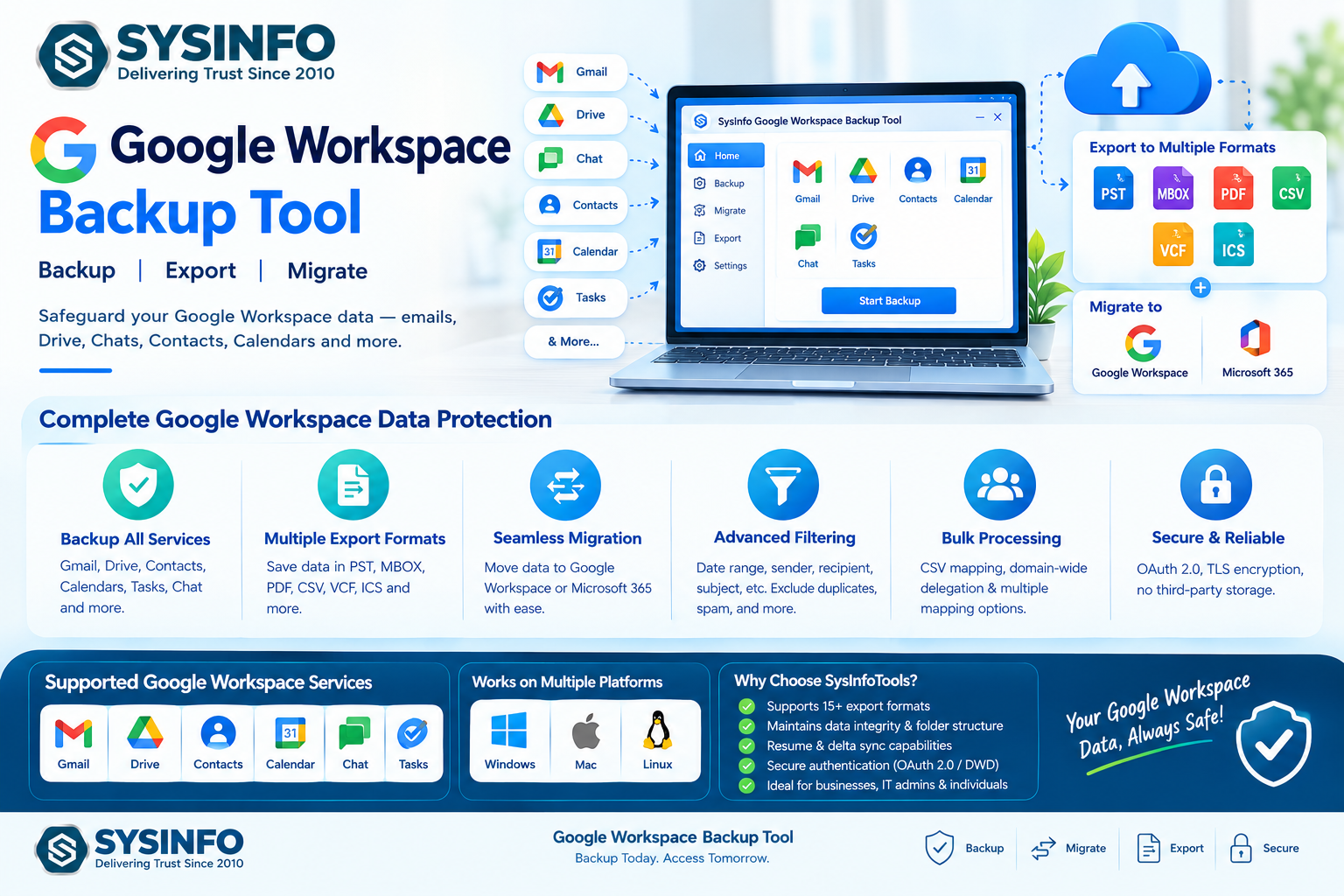
Start writing yoNOIDA, INDIA — September 26, 2026 — As organizations increasingly depend on cloud-based collaboration platforms, protecting business information stored across Gmail, Google Drive, Google Chats, Contacts, Calendars, and other Google Workspace services has become an important part of data management. SysInfoTools has enhanced its Google Workspace Backup Tool to provide organizations, IT administrators, managed service providers, and individual users with a centralized solution for backing up, exporting, and migrating Google Workspace data.
read more:https://www.sysinfotools.com/google-workspace-backup.php
The SysInfo Google Workspace Backup Tool is designed to process Workspace data from Windows, Mac, and Linux environments. The software supports backup and migration operations while maintaining mailbox metadata, folder structures, Gmail labels, attachments, and Drive hierarchy. According to SysInfoTools, the current product version is 26.08, released on August 5, 2026, and the software has recorded more than 1 million downloads across 190+ countries.
Comprehensive Google Workspace Data Backup
Google Workspace environments can contain years of business emails, documents, conversations, calendars, contacts, and other organizational records. A backup strategy can help organizations maintain access to important information during employee departures, accidental deletion, account changes, cloud migrations, or business restructuring.
SysInfoTools' solution provides options to back up Gmail mailboxes, Contacts, Calendars, Tasks, Google Drive data, and Google Chat information. Users can export mailbox information into formats such as PST, MBOX, PDF, and CSV, while contacts and calendars can be saved in VCF and ICS formats. Google Drive content can also be exported while preserving its folder organization and supporting conversion of Google documents into commonly used Office formats.
Bulk Processing for Administrators
Managing a large Google Workspace environment can require processing data from multiple user accounts. The software supports CSV-based account mapping and Workspace Admin Domain-Wide Delegation (DWD), allowing administrators to process multiple mailboxes without repeatedly authenticating every individual account.
The tool also supports different mailbox mapping configurations, including one-to-one, one-to-many, many-to-one, and many-to-many migration scenarios. These capabilities can be useful during mergers and acquisitions, domain consolidation, employee transitions, departmental restructuring, and tenant migration projects.
Selective Backup and Advanced Filtering
Organizations do not always need to process an entire mailbox or Workspace account. SysInfoTools provides filtering options that allow users to select data based on criteria such as date range, sender, recipient, subject, CC, BCC, and message body.
Date-based filtering can help users focus on specific periods, while options for excluding unwanted categories, deleted messages, spam, empty folders, or previously migrated items can help reduce unnecessary processing. Duplicate handling is also available to identify items that have already been transferred based on email properties or file checksums.
Resume and Delta Sync Capabilities
Long-running backup and migration projects can sometimes be interrupted because of network problems or other operational issues. The Google Workspace Backup Tool includes Resume Migration and delta synchronization capabilities designed to continue processing from the previous checkpoint rather than restarting the entire operation.
This approach can help administrators reduce repeated processing and manage large-scale backup or migration projects more efficiently. Detailed reports also provide information about completed, skipped, and failed items, giving administrators a record of migration activity.
Security-Focused Data Processing
Security is an important consideration when handling business email and cloud data. SysInfoTools states that backup and migration operations are performed on the user's local machine rather than storing credentials or confidential Workspace information on third-party servers.
The software supports authentication methods including OAuth 2.0, IMAP with App Password, and Workspace Admin Domain-Wide Delegation. It also uses official Google APIs and Microsoft Graph APIs for supported operations. TLS encryption and read-only access are included as part of the product's data protection approach.
Support for Google Workspace Migration
Beyond local backup, the software can migrate Google Workspace data directly to another Google Workspace environment or Microsoft 365. Gmail data, Google Drive content, and Google Chat information can be transferred according to the selected migration configuration.
For businesses undergoing mergers, acquisitions, restructuring, or platform modernization, these capabilities provide options for moving selected or complete Workspace data while retaining relevant structures and metadata. Google Workspace documents can also be converted into Microsoft Office formats when required for destinations such as Microsoft 365, OneDrive, or SharePoint Online.
Designed for Businesses and Individual Users
The Google Workspace Backup Tool offers editions for Home, Administrator, Technician, and Enterprise users. A demo version is also available for evaluation, with limits on the quantity of data that can be processed during testing. The current product page states that the trial can process up to 500 emails per folder, 100 contacts and calendar events, 50 Chat messages per space or direct message, and up to 20 MB per Drive file.
With its combination of backup, migration, selective filtering, bulk processing, authentication options, resume capabilities, and multi-platform support, SysInfoTools' Google Workspace Backup Tool provides an integrated approach to managing Workspace data across backup and migration scenarios.
For more information about the Google Workspace Backup Tool, product specifications, supported services, and available editions, visit the official SysInfoTools product page.ur content...