A Practical Solution for IMAP Email Backup and Migration
Managing business emails becomes challenging when organizations need to change email platforms, create backups, archive old communication, or migrate multiple employee accounts. Manual migration can take considerable time, particularly when mailboxes contain thousands of emails, attachments, and custom folders.
To simplify these tasks, SysInfo Tools offers its IMAP Backup Tool, a dedicated solution for backing up and migrating IMAP mailbox data. The software is designed for individual users, IT administrators, businesses, and service providers that need a structured way to manage email migration and backup operations.
https://www.sysinfotools.com/imap-email-backup.php
Backup and Export IMAP Emails in Multiple Formats
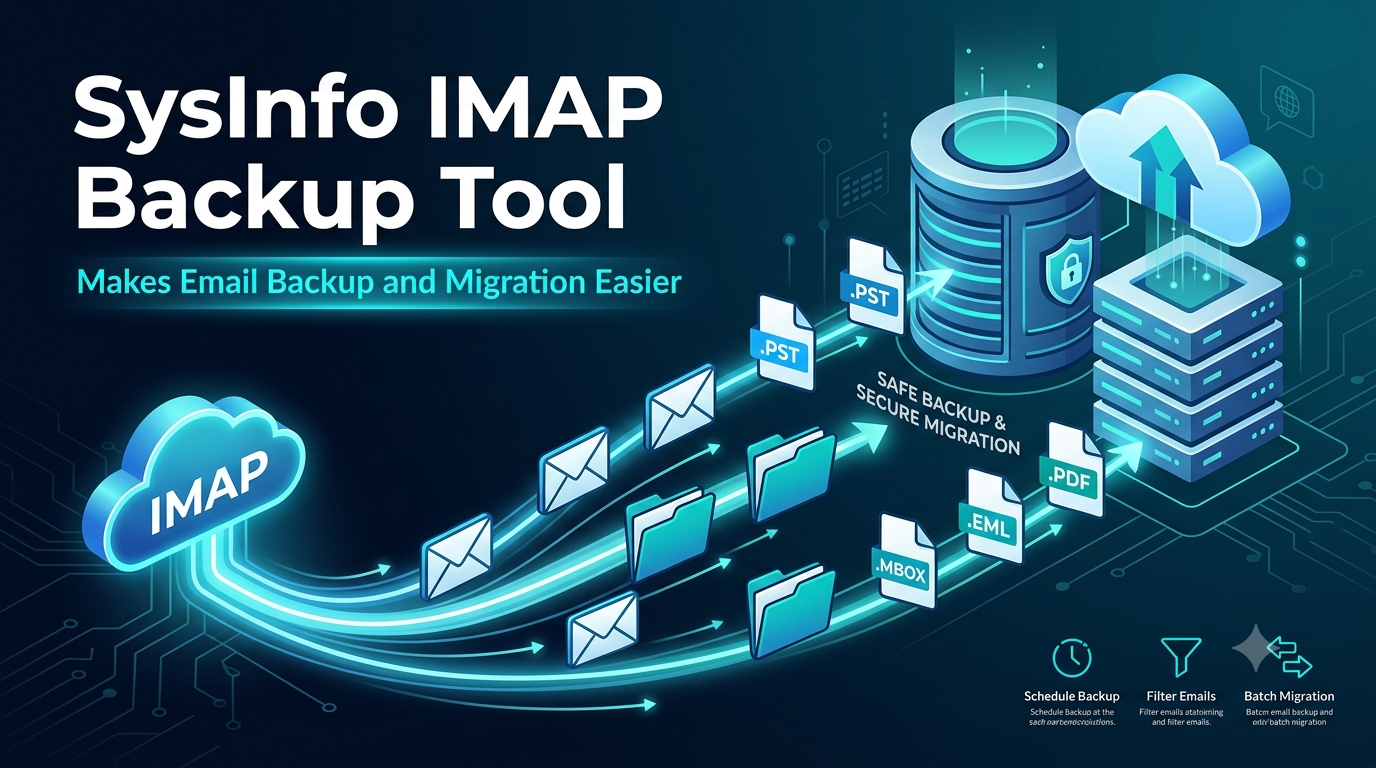
The SysInfo IMAP Backup Tool supports several output formats, giving users flexibility when deciding how to store or use their email data. Emails can be exported to PST, MBOX, PDF, EML, MSG, CSV, JSON, DOC, and DOCX formats.
Users can also migrate mailbox data directly to supported services such as Microsoft 365, Gmail, Google Workspace, and other IMAP-compatible platforms. This makes the software useful for both email archiving and platform migration projects.
Batch Migration for Multiple Email Accounts
Handling multiple mailboxes individually can be repetitive for administrators. The software addresses this requirement through its CSV-based batch migration feature.
Administrators can prepare a CSV file containing the required account information, including email address, password, IMAP host, and port number. Multiple accounts can then be processed through a single workflow instead of configuring every mailbox separately.
This feature can be particularly useful during employee onboarding or offboarding, company-wide email migrations, and other projects involving numerous mailboxes.
Preserve Mailbox Folders and Email Organization
Maintaining the original mailbox structure is an important part of an email migration. The IMAP Backup Tool provides folder mapping and allows users to select the mailbox folders they want to process.
Folders such as Inbox, Sent, Drafts, Trash, and custom folders can be displayed in a structured hierarchy. Users can preview the available mailbox data before beginning the migration and select the folders required for the job.
This approach helps users maintain a familiar organization after transferring their email data.
Selective Migration with Advanced Filters
Migrating an entire mailbox is not always necessary. Sometimes users only need emails from a particular period, sender, recipient, or subject.
The software provides filtering options that allow users to narrow down the data before starting the export. Available criteria include date range, sender, recipient, subject, CC/BCC information, body content, and item type.
By selecting only the required messages, users can create more focused backups and reduce unnecessary data processing.
Remove Duplicate Emails During Migration
Large email archives can sometimes contain duplicate messages, especially when data has been backed up or migrated more than once.
SysInfo's IMAP Backup Tool includes a duplicate-removal option that compares information such as the subject, sender, recipient, and message body to identify repeated emails.
This can help users maintain a cleaner output and avoid unnecessarily storing multiple copies of the same message.
Continue Migration with Incremental Processing
Email migration is not always completed in a single session. Organizations may need to perform additional transfers before or after a final cutover.
The Skip Previously Migrated option allows subsequent migration jobs to identify data that has already been processed and focus on newer items. This incremental approach can be useful for staged migration projects where email accounts continue receiving new messages during the transition.
Local Processing and Data Control
For organizations handling sensitive business communication, controlling how email data is processed is an important consideration.
According to SysInfo Tools, the IMAP Backup Tool performs its migration and backup operations through the local application rather than requiring mailbox data to be uploaded to third-party cloud storage for processing.
Users can establish connections with supported email servers and manage the migration from their own systems.
Designed for Individual Users and Businesses
The software is intended for different types of users. Individuals can use it to create local archives or convert emails into accessible formats, while businesses and IT teams can use it for larger migration and backup projects.
The software offers Single User, Admin, Technician, and Enterprise editions, allowing organizations to select an option according to their operational requirements.
A trial version is also available, enabling users to evaluate the software before purchasing. The demo edition can process up to 100 emails per folder.
Simple Step-by-Step Migration Process
The migration process follows a straightforward workflow. Users first install and launch the application and then select either Single Mode or Batch Mode.
After entering the required account credentials and testing the connection, users can preview their mailbox folders and select the data they want to migrate. They can then choose the required output format or destination and apply available filters.
Once the migration begins, users can monitor the process through the dashboard. Reports provide information about processed, skipped, and failed items, helping administrators review the outcome of the migration.
Support for Windows and macOS
SysInfo IMAP Backup Tool is available for Windows and macOS, with a dedicated Linux version also available. The listed software version is 26.06, released on July 13, 2026.
The software also supports PST and OST migration scenarios, allowing users to work with existing Outlook data alongside IMAP-based migration requirements.
A Flexible Approach to Modern Email Management
As businesses increasingly change email platforms and manage larger volumes of digital communication, reliable backup and migration processes have become an important part of email management.
With features such as batch processing, folder mapping, selective filters, duplicate removal, incremental migration, multiple export formats, and migration reports, SysInfo IMAP Backup Tool provides users with a centralized way to handle different email backup and migration requirements.
Users can download the trial version to explore the software's capabilities before choosing a licensed edition based on their specific email backup, archiving, or migration needs.