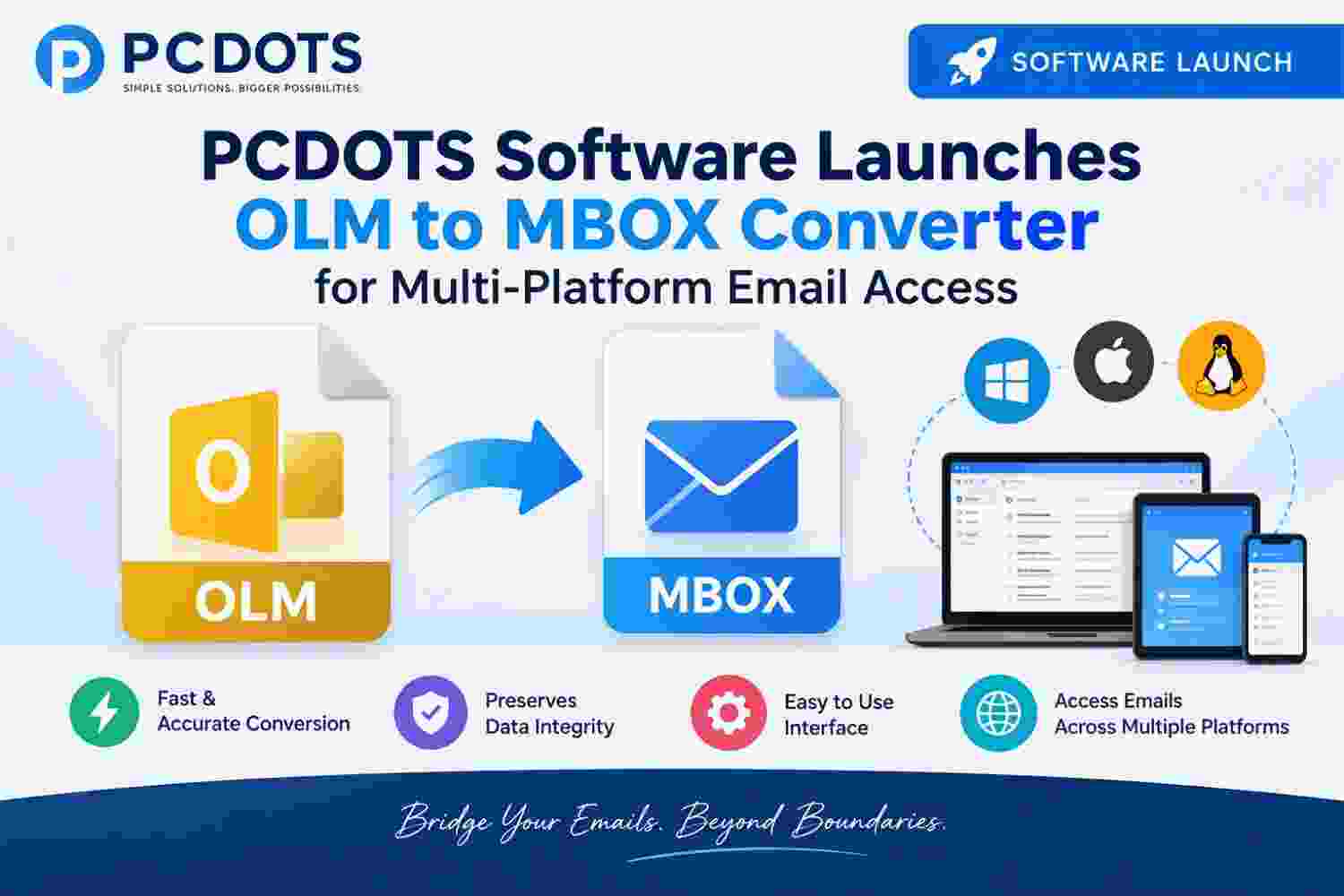
NEW DELHI - Oct. 5, 2026 - PCDOTS Software has introduced its OLM to MBOX Converter, a Windows-based solution designed for users who need to move email data stored in Outlook for Mac OLM files into the widely used MBOX format.
OLM files are used by Outlook for Mac to store mailbox information, while MBOX is supported by several email applications and mail platforms. When users change their email environment or need to work with an older Mac Outlook archive, the difference between these storage formats can make the migration process difficult.
PCDOTS OLM to MBOX Converter provides a way to handle this conversion without manually opening and saving individual messages. Users can load their OLM files, review the available mailbox data, select the required content, and export it into MBOX format.
Key Features of PCDOTS OLM to MBOX Converter
OLM to MBOX Conversion:
The software converts Outlook for Mac OLM mailbox data into MBOX format for use with compatible email applications.
Bulk Processing:
Users can process larger amounts of mailbox data instead of handling individual messages separately.
Selective Data Export:
The required folders or mailbox data can be selected for conversion, helping users avoid processing unnecessary information.
Folder Organization:
The conversion process is designed to maintain the organization of mailbox data, making the resulting MBOX files easier to manage.
Email and Attachment Handling:
The software processes email messages along with their associated attachments and other available message information.
Preview Before Conversion:
Users can review mailbox contents before starting the export, helping them identify the data they actually need to convert.
Useful for Archived Mailboxes:
The tool can be used when working with older OLM archives that need to be moved, preserved, or accessed through another email environment.
Moving Outlook for Mac Archives to MBOX
Email archives can remain useful long after users stop working with the application that originally created them. An OLM file may contain years of conversations, attachments, and other mailbox records that users still need for reference.
When the destination application works with MBOX rather than OLM, simply copying the original archive does not solve the format difference. Converting the mailbox first provides a more suitable way to move the stored email data.
PCDOTS OLM to MBOX Converter is designed for this type of situation. It allows users to work with the OLM archive and create MBOX data that can be used with compatible email clients or retained as an additional mailbox copy. PCDOTS supports OLM and MBOX among its email file formats.
Suitable for Different Email Data Requirements
PCDOTS OLM to MBOX Converter can be useful for:
Moving Outlook for Mac email archives to MBOX-compatible applications
Converting older OLM files for future access
Creating MBOX copies of Outlook for Mac mailbox data
Preparing email archives for migration
Processing selected mailbox folders
Handling email data during a change of email application
Preserving older mailbox information in another supported format
The software is intended for individuals, businesses, and IT professionals who need to work with Outlook for Mac archives outside their original environment.
Spokesperson Statement
A PCDOTS Software spokesperson said, “An old email archive should not become difficult to use simply because the application or platform has changed. With OLM to MBOX Converter, we wanted to give users a straightforward way to move their Outlook for Mac mailbox data into a format supported by a wider range of email applications, while keeping the conversion process manageable.”
About PCDOTS Software
PCDOTS Software develops software solutions for email conversion, data migration, backup, recovery, and file management. The company provides tools for individuals, businesses, and IT professionals working with different email formats, mailbox archives, and digital data. PCDOTS develops its own parsers for supported formats, including OLM and MBOX.
Media Contact
PCDOTS Software
964 E. Badillo Street
Covina, CA 91724, USA