Introduction
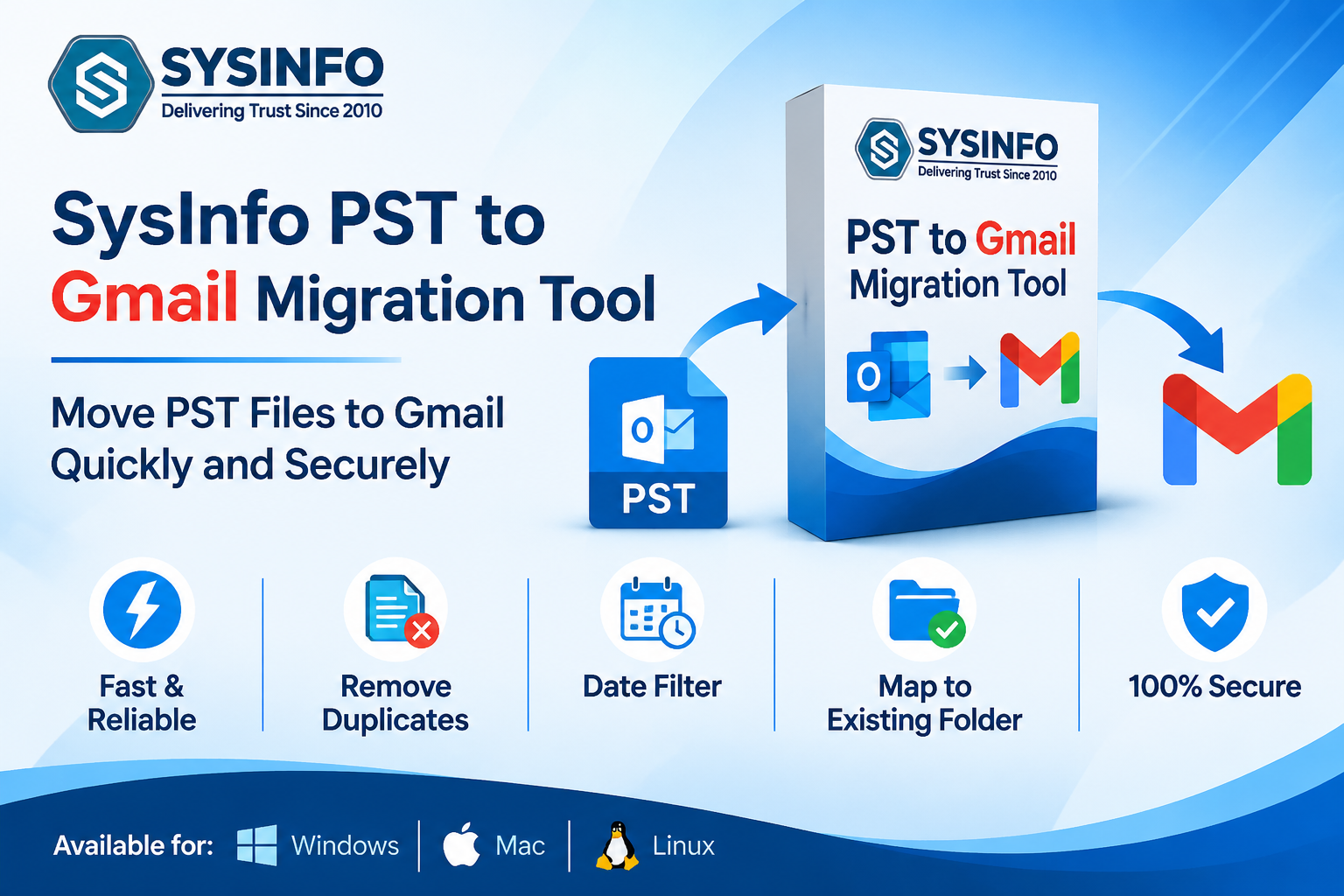
Managing large Outlook PST mailboxes can become challenging when organizations decide to move their email infrastructure to Gmail. Large PST files often contain thousands of emails, attachments, contacts, and important business communications that must be transferred without data loss or disruption. Therefore, IT administrators need a reliable approach to Migrate Large PST Mailboxes to Gmail while maintaining data integrity and folder organization. The SysInfo PST to Gmail Migration Tool provides a convenient solution for transferring single or multiple PST files directly into Gmail without requiring Microsoft Outlook installation. Its advanced features, including bulk migration, duplicate removal, date filters, and attachment management, simplify the migration process for businesses and professionals.
Why Is Migrating Large PST Mailboxes to Gmail Challenging?
Moving large PST mailboxes involves more than transferring individual email messages. Organizations must consider several technical challenges to ensure a successful migration.
Large File Sizes: Oversized PST files can slow down migration and increase processing time.
Duplicate Emails: Repeated messages can create unnecessary clutter in the destination Gmail account.
Folder Organization: Losing the original folder hierarchy can make important business communications difficult to locate.
Attachment Management: Large attachments can increase storage consumption and migration time.
Data Integrity: Incorrect migration methods may result in missing emails or incomplete transfers.
Migration Downtime: Businesses must minimize interruptions to maintain uninterrupted communication.
Understanding these challenges helps IT teams select an appropriate migration strategy.
Best Practices to Transfer Large PST Files to Gmail
Before starting the migration, administrators should prepare their PST data and Gmail accounts. Following these practices can improve migration accuracy and reduce unnecessary complications.
1. Verify PST File Integrity
Begin by checking whether the PST files are accessible and readable. Identify corrupted, damaged, or password-protected files before migration. Reviewing the source data helps administrators avoid unexpected interruptions during the transfer process.
2. Organize and Prioritize Mailbox Data
Identify important business emails, attachments, and folders that need immediate migration. Remove unnecessary information where appropriate and organize mailbox data according to business requirements. This makes the migration process easier to manage.
3. Check Gmail Storage Availability
Before transferring large mailboxes, verify the available storage in the destination Google account. Gmail storage limitations can affect migration completion, particularly when PST files contain numerous attachments. Consider upgrading storage if necessary.
4. Remove Duplicate Emails
Duplicate messages consume unnecessary storage and make mailbox management difficult. Use duplicate-removal options to identify identical emails based on criteria such as sender, recipient, subject, BCC, and message body.
5. Apply Date-Based Migration Filters
Not every email needs to be transferred immediately. Date filters allow administrators to select specific email periods and prioritize important communications. This approach makes mailbox migration more manageable.
How to Migrate PST Files to Gmail Using Professional Software
For organizations handling multiple large PST mailboxes, manual migration can become time-consuming. A dedicated migration utility offers a more organized approach.
The tool helps users import PST files directly into Gmail while preserving the original folder hierarchy. It supports single and bulk PST migration without requiring Microsoft Outlook.
Follow these steps:
Download and install the SysInfo PST to Gmail Migration Tool on your computer.
Launch the software and select the PST files or folders you want to migrate.
Preview the mailbox contents, including email addresses, subjects, message bodies, and attachments.
Select Gmail as the destination email client.
Enter your Gmail credentials and complete the required authentication.
Apply available filters, such as date range, duplicate removal, and attachment exclusion.
Use the Mapping to Existing Folder option to organize migrated emails in existing Gmail folders.
Review your selected settings and click the Convert option to begin migration.
The software also provides an option to exclude previously migrated emails, helping administrators avoid unnecessary duplication during subsequent transfers.
Key Features That Simplify Large PST Mailbox Migration
Choosing suitable migration software is important when handling enterprise email data. The tool provides several features that simplify mailbox transfers.
Bulk Migration: Add multiple PST files simultaneously instead of processing them individually.
Outlook Independence: Migrate PST files without installing Microsoft Outlook.
Duplicate Remover: Identify identical emails using selected comparison criteria.
Date Filter: Transfer emails within specific date ranges.
Attachment Management: Include or exclude attachments according to storage requirements.
Folder Mapping: Save migrated emails into existing Gmail folders.
Skip Previously Migrated Data: Avoid transferring previously migrated emails again.
Multiple Destinations: Besides Gmail, transfer PST data to Office 365, Yahoo Mail, Zoho Mail, IMAP, and other supported platforms.
These capabilities help IT professionals maintain better control over the migration process.
Important Considerations After Migration
Completing the transfer does not mean the migration process is finished. Administrators should verify the destination mailbox to ensure everything has been transferred correctly.
Check the following:
Confirm that important emails are available in Gmail.
Verify attachments and email content.
Compare folder structures between the source and destination.
Check whether duplicate messages have been transferred.
Ensure important business communications remain accessible.
Verify that the required emails are available to authorized users.
These checks help organizations identify potential migration issues before relying entirely on the new mailbox environment.
Conclusion
Migrating oversized Outlook mailboxes requires proper planning, reliable tools, and careful verification. From checking PST file integrity to managing duplicates, attachments, and folder structures, every step contributes to a successful migration. Organizations looking to Migrate Large PST Mailboxes to Gmail can use the SysInfo PST to Gmail Migration Tool to simplify bulk transfers, apply advanced filters, and maintain mailbox organization. Its Outlook-independent migration, folder mapping, and duplicate-removal capabilities make it a practical option for IT administrators managing large-scale email migration projects.