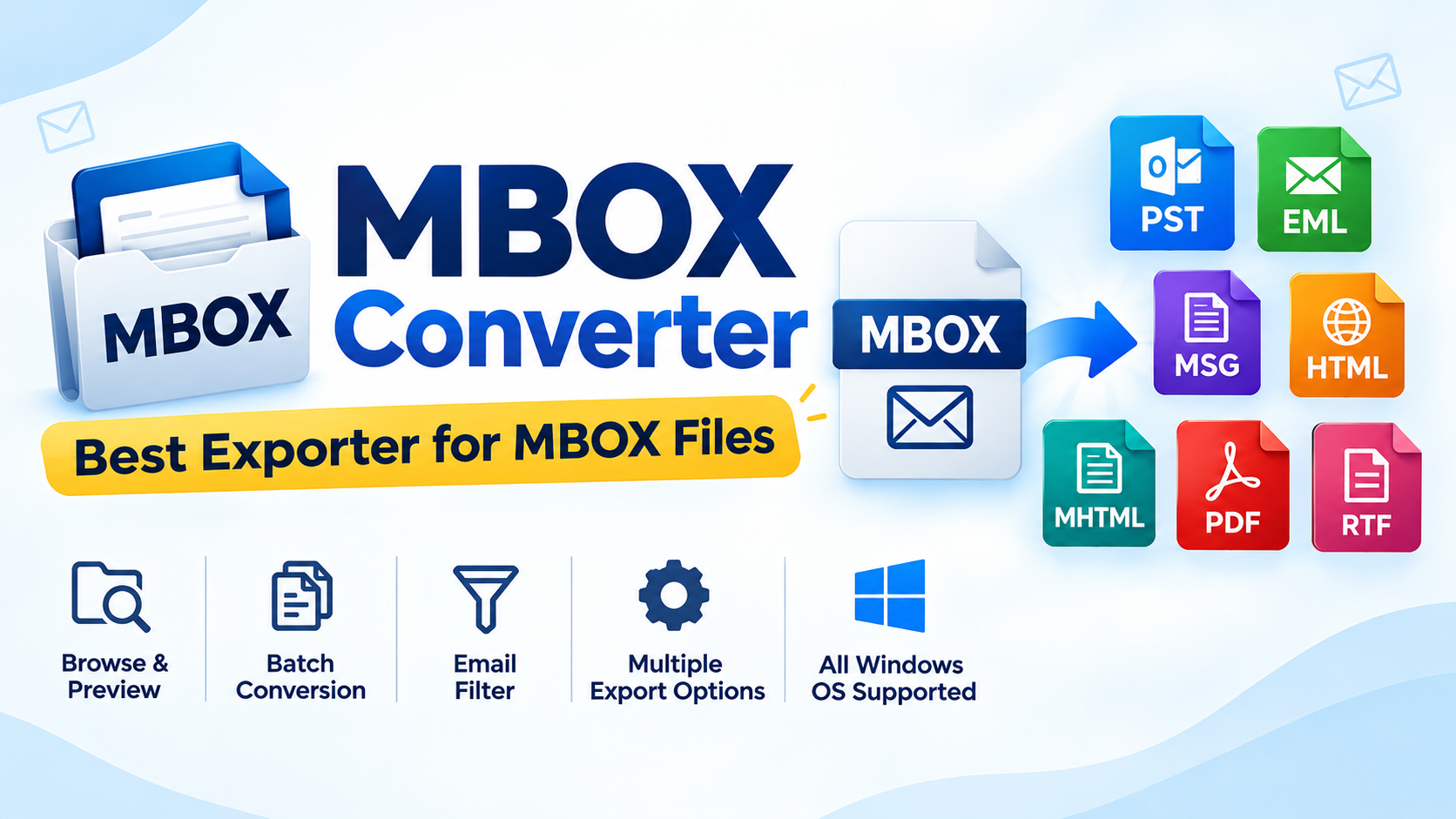
If you have a mailbox stored in MBOX file format and want to open it in the MS Outlook interface, a direct conversion method is a better choice than following a lengthy manual process. Manual methods often involve multiple steps, require different applications, and may not always provide the expected results.
Simple Method to Convert MBOX to PST
To avoid complicated manual methods, many users look for a direct way to convert and access MBOX data in Outlook. MailsDaddy MBOX to PST Converter is a suitable solution for converting MBOX files into Outlook-compatible PST format.
The software provides a simple and user-friendly interface, making it easy even for users with limited technical knowledge. You can load the MBOX file, preview mailbox data, select the required conversion option, and export the emails to PST format.
The solution supports MBOX files from various MBOX-based email clients, making it useful for users who want to migrate their mailbox data to Microsoft Outlook. Users can also try the free demo version to understand the software and its conversion process before purchasing the full version.
Steps to Convert MBOX File to PST
Follow these simple steps to export MBOX data to Outlook PST:
Download and install the MBOX to PST Converter on a Windows computer.
Run the software and activate the full version or use the demo version.
Click the Add File button and select the required MBOX file.
Click Next to load the mailbox data.
Preview the emails if required. Preview is optional, so you can directly proceed to export.
Click Export and select PST as the output format.
Choose either Single PST or Separate PST according to your requirements.
Click Export to start the MBOX to PST conversion process.
Convert MBOX Data to Multiple Formats
MailsDaddy MBOX Converter can help users convert and export mailbox data from MBOX files into PST and other supported formats. The application is designed for Windows operating systems and provides an easy way to migrate MBOX mailbox data without requiring a complicated manual procedure.
With its simple interface and batch conversion capabilities, users can convert MBOX files to Outlook PST while maintaining the available mailbox folder structure and email data.
Conclusion
Organization always looking for a reliable and efficient tool to export MBOX file into PST format. Because manual method has many technical steps that is not possible with large GB data. Using this GUI software, individual or organization can easily switch mailbox from any MBOX-based email clients to Outlook PST format.