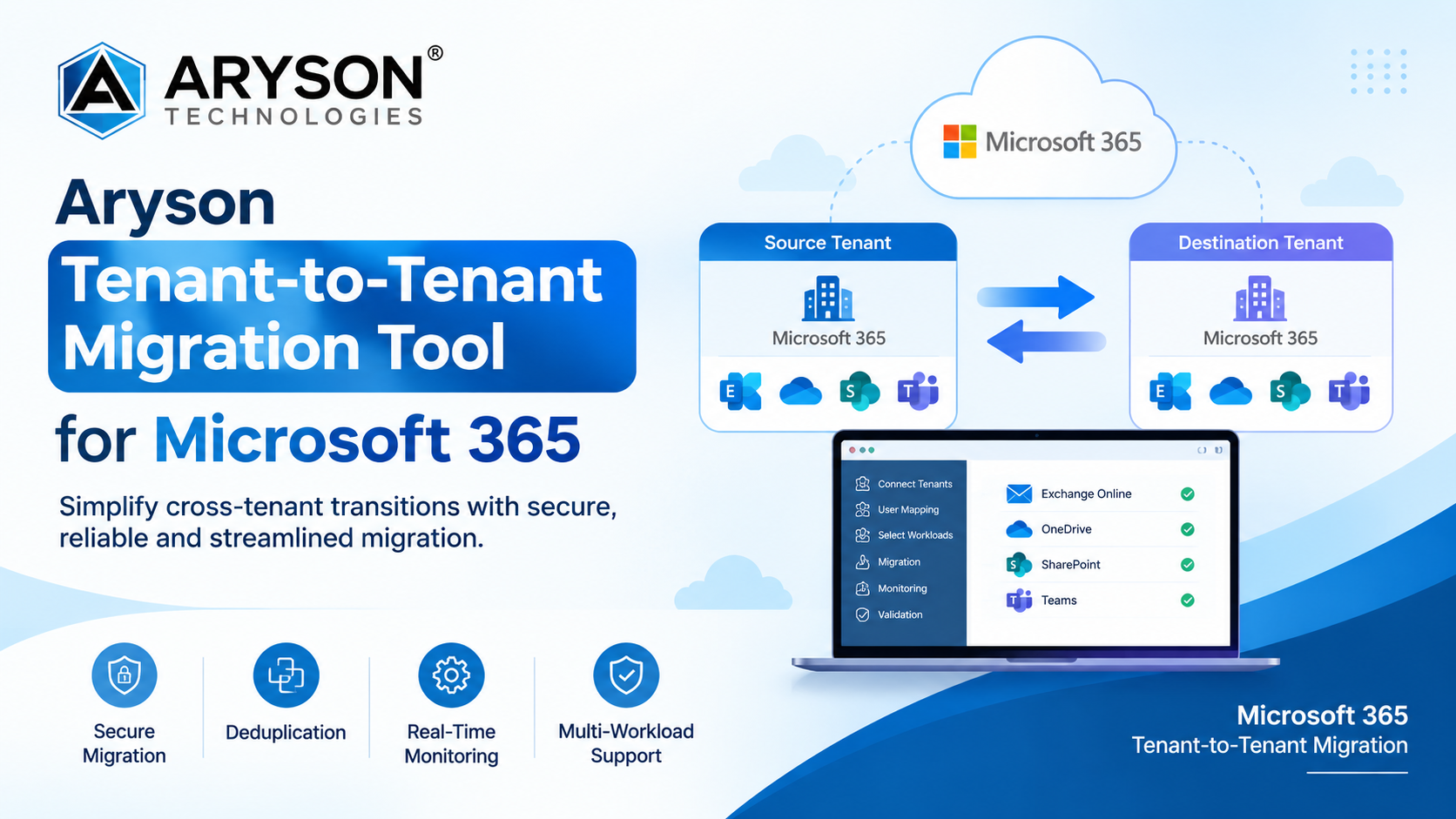
The Aryson Technologies is a software development company specializing in data recovery, email migration, and database management solutions, has made its Aryson Tenant-to-Tenant Migration Tool broadly available for organizations managing Microsoft 365 cross-tenant transitions. Designed for IT administrators and enterprise environments, the software helps organizations transfer data between Microsoft 365 tenants while reducing the complexity associated with cross-tenant migration projects.
As organizations undergo mergers, acquisitions, divestitures, or internal restructuring, Microsoft 365 tenant consolidation and separation can require the movement of large volumes of business data. The Aryson Tenant-to-Tenant Migration Tool is designed to support these projects by providing centralized migration controls for transferring mailbox and cloud data between source and destination Microsoft 365 environments.
About Aryson Tenant-to-Tenant Migration Tool
The Aryson Microsoft 365 Tenant-to-Tenant Migration Tool is cloud-based software designed to transfer data between Microsoft 365 environments using Graph API technology. It provides a centralized migration workflow covering authentication, user mapping, workload selection, migration management, monitoring, and post-migration validation.
The software enables businesses to transfer data, users, and settings between Microsoft 365 tenants. It is designed for migration scenarios involving mergers, acquisitions, tenant restructuring, and other organizational changes.
A centralized interface allows administrators to configure source and destination tenants, select workloads, apply migration settings, and monitor migration progress from a single dashboard.
Key Features and Capabilities
The Aryson Tenant-to-Tenant Migration Tool provides a range of capabilities for managing Microsoft 365 cross-tenant migrations:
1. Comprehensive Workload Migration
The software supports the migration of Exchange Online mailboxes, OneDrive accounts, and SharePoint sites while maintaining data integrity and folder structures. It can transfer emails, attachments, calendar items, contacts, shared mailboxes, OneDrive files and folders, metadata, SharePoint document libraries, list items, and permissions.
2. Intelligent User Mapping
Administrators can map and configure user accounts between source and destination tenants. A CSV import option also supports mapping multiple users simultaneously, helping organizations manage larger migration projects.
3. Incremental and Delta Migration
Incremental migration helps avoid transferring data that has already been migrated. The software also includes deduplication capabilities to reduce duplicate transfers during repeat migration cycles and help minimize unnecessary bandwidth usage.
4. Advanced Filtering Controls
Administrators can control which data is migrated using filtering options based on date ranges, specific folders, and item types such as emails, contacts, and calendars. These controls allow organizations to select relevant data for individual migration requirements.
5. Built-In Deduplication
Dedicated Email, OneDrive, and SharePoint deduplication modules help identify and manage duplicate content. The software analyzes content, metadata, and file properties to locate redundant items and reduce unnecessary data transfers.
6. PST Export with Flexible Folder Mapping
The software allows users to export mailbox data to PST files with flexible folder mapping and selective attachment handling. Large PST files can also be split based on size or data range for more manageable storage and processing.
7. Attachment Management Controls
Administrators can control how attachments are handled during migration, including options to include or exclude attachments according to project requirements. This provides additional control over storage and mailbox migration processes.
8. Enterprise-Grade Security
The software supports OAuth 2.0 authentication and encrypted protocols for securing migration operations. The source states that credentials are not stored.
9. Post-Migration Validation and Audit Logs
Following a migration, administrators can use post-migration validation features and audit logs to review transferred data and verify migration results.
10. Real-Time Dashboard Monitoring
A centralized dashboard provides real-time migration monitoring, allowing IT administrators to track ongoing migration activities and manage tenant consolidation workflows.
Supported Platforms and Migration Scope
The Aryson Tenant-to-Tenant Migration Tool supports migration involving Exchange Online, OneDrive for Business, SharePoint, and Microsoft Teams. Administrators can select the users, mailboxes, or domains involved in a migration and customize the data included in the transfer.
The solution operates as a Windows-based desktop application and requires administrator-level access to connect the source and destination Microsoft 365 tenant environments through modern authentication protocols.
Benefits for IT Administrators and Organizations
For IT teams managing cross-tenant transitions, the Aryson Tenant-to-Tenant Migration Tool provides a centralized approach to migration planning and execution. Its interface, step-by-step guidance, and built-in wizards are designed to simplify configuration and management for administrators with different levels of technical experience.
The software supports both targeted migrations and larger tenant consolidation projects. Bulk migration capabilities allow organizations to manage multiple users while filtering and mapping controls provide greater control over the data being transferred.
Security-focused authentication, duplicate detection, permission handling, and migration monitoring provide administrators with additional controls throughout the migration lifecycle.
Common Migration Scenarios
The Aryson Tenant-to-Tenant Migration Tool can be used in several Microsoft 365 migration scenarios:
Mergers and Acquisitions: Consolidating Microsoft 365 environments following a corporate merger or acquisition.
Divestitures and Spin-offs: Managing selective data transfers when separating users and organizational resources between tenants.
Compliance-Driven Consolidations: Supporting tenant consolidation projects where organizations require centralized data management.
IT Infrastructure Restructuring: Moving users, shared mailboxes, and cloud storage as organizations restructure their domains and Microsoft 365 environments.
Company Statement
Aryson Technologies developed the Tenant-to-Tenant Migration Tool to address the operational requirements associated with Microsoft 365 cross-tenant migrations. The solution is designed to provide IT administrators with centralized migration controls, data integrity features, security-focused authentication, and visibility throughout the migration process.
A dedicated support team is available to assist users with questions and challenges during the migration process.
Availability and Free Demo
A free demo edition is available for organizations that want to evaluate the software before deployment. The demo supports migration of up to 500 emails per folder, 100 contacts, and calendar events, allowing administrators to test connectivity, review features, verify migration results, and assess compatibility with their Microsoft 365 environment.
About Aryson Technologies
Aryson Technologies is a software solutions provider specializing in data recovery, email migration, database management, and related data management technologies.
The company provides software for email migration, email backup, data recovery, PDF conversion, file repair, and other data management requirements. Its solutions serve businesses, SMEs, startups, IT professionals, and individual users across different data management scenarios.
Conclusion
The Aryson Tenant-to-Tenant Migration Tool provides a centralized approach to Microsoft 365 cross-tenant data migration, with support for mailbox, OneDrive, SharePoint, and Teams workloads. Features such as user mapping, filtering, incremental migration, deduplication, monitoring, and post-migration validation are designed to help administrators manage migration projects from a single environment.
The availability of a free demo also allows organizations to evaluate the migration workflow and supported capabilities before proceeding with a full deployment.